
Someone you know, suited up as Santa
 Someone you know, suited up as Santa
AI Santa Photo: Dress Anyone in the Red Hat and Coat
This Santa photo tool takes one clear picture of a person and redraws them in a red Santa hat and coat, in a warm, lit-up holiday scene. Grandad, your partner or the kids keep their own face; only the outfit and the setting change.
Prefer Santa standing next to you instead? Add Santa to a photo places a separate Santa beside the people in your picture.
1Upload your photo
Pick a bright, sharp photo showing one face.
You can also drop files on the boxes or paste an image with Ctrl+V (⌘V).
2Pick your Christmas effect
3Choose quality & format
Type a name or an extra detail, or leave it blank to get the style as designed.
This Santa photo: 10 credits. A one-time Stocking pack ($5.99) covers it, and pack credits never expire.
When you start, you confirm you are allowed to use every photo you upload. Terms of Service
One-time credit packs · Failed jobs refund their credits · Sign in to start
Updated Nov 13, 2026
In brief
Upload one portrait, choose one of four looks and a shape, and the AI dresses that person as Santa in a festive scene. Each image costs 5 credits (1K) or 10 credits (2K), shown before you start, and failed jobs return their credits.
Recent changes
- — Four looks: Santa’s Workshop, Classic Red & Gold, Cozy Christmas and Snowy Wonderland.
- — Illustrative before-and-after pairs.
- — A tip on leaving headroom so the hat fits in the frame.
- — Ways to use the result: avatar, card or gift print.
- — Cross-links to the other holiday photo tools.
Illustrative examples
From a plain portrait to an AI Santa photo
Each illustrative pair, made with an invented model, starts with an ordinary portrait. Next to it is the same face as Santa: red hat with a white bobble, a fur-trimmed collar and warm lights in the background. Your own result will be a new image.
Some looks go all the way, with the coat, an armchair and a workshop full of toys. Others are lighter, close to a hat and a bit of snow, which suits a profile picture. Pick whichever makes you grin.

Before 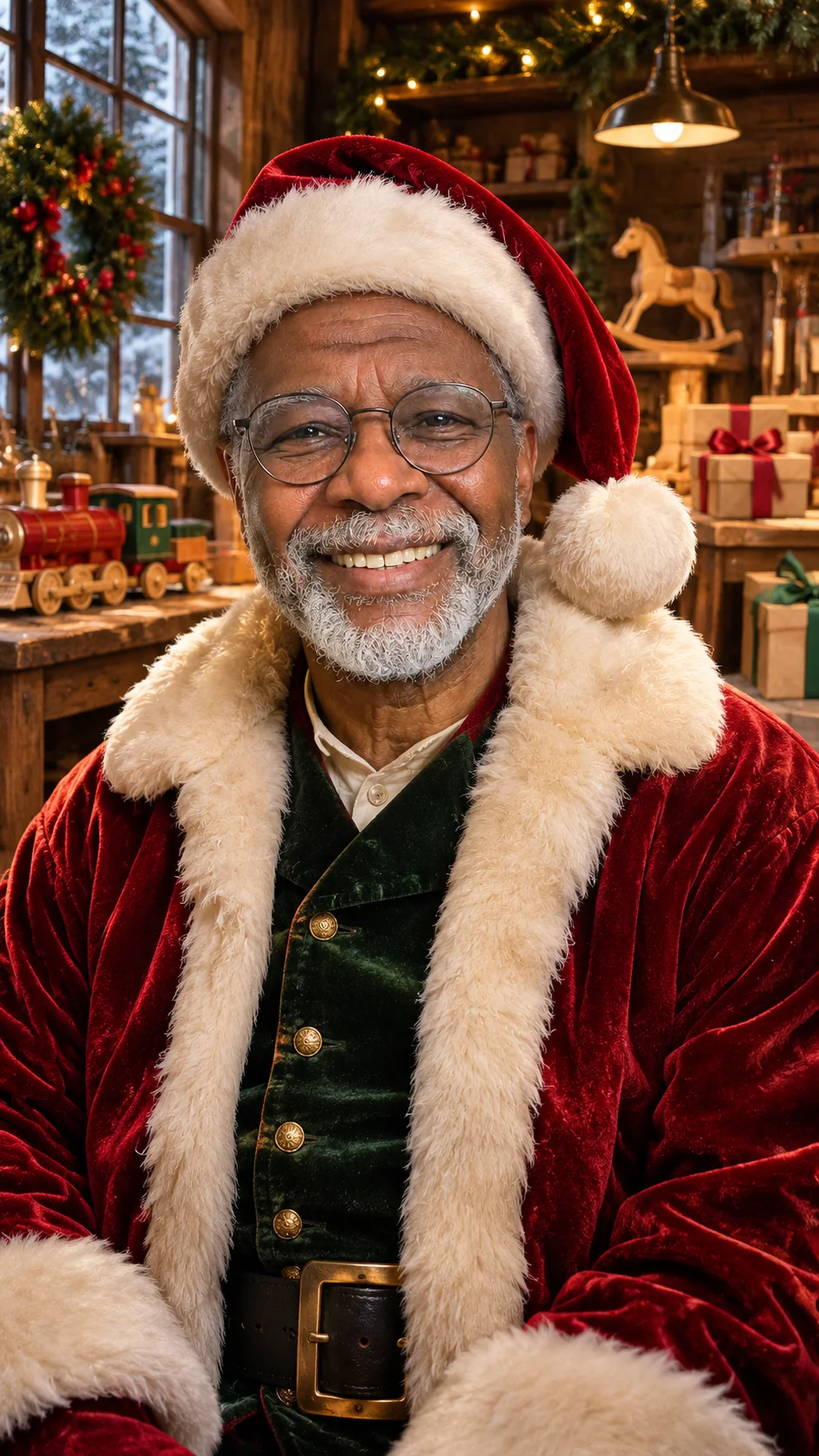
Holiday look Starting photo 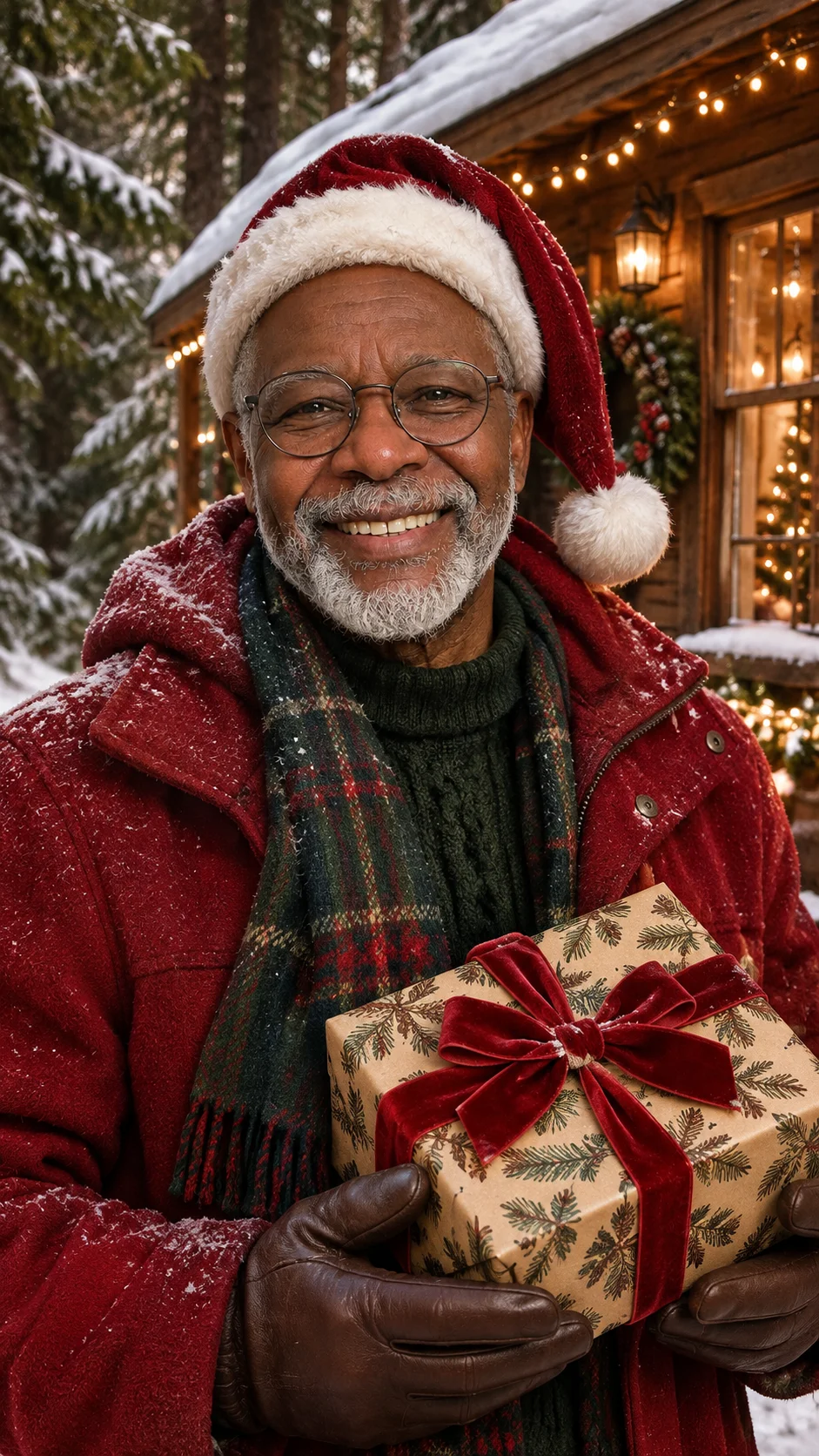
A second look
About this tool
What is an AI Santa photo?
It is a portrait in which the person from your photo becomes Santa. The AI keeps the face recognizable and adds the costume and the setting: the red hat, the fur trim, the glowing lights and a festive room or winter night. Nobody has to wear a suit.
Reasons vary. Some people want a December avatar. Some want to surprise the relative who plays Santa every year with a portrait that makes it official. Parents send one of the kids to the family chat, and plenty of people make one of the dog.
You can steer the scene in the details box, for example “in a workshop with an elf hat”, “wrapping presents by the fire” or “standing in snow next to a sleigh”. The person from your upload stays in the middle of the picture.
Making one for a child? Add a Santa Nice List certificate as well
How to
How to make an AI Santa photo
Four steps take you from a plain portrait to a finished Santa picture.
- 1
Upload one clear face
Use a bright, front-facing photo showing the whole head, with some headroom so the hat fits. Avoid sunglasses, caps or hair over the eyes.
- 2
Choose a look
Santa’s Workshop brings toys and warm wood. Classic Red & Gold gives the familiar full red suit. Cozy Christmas adds an armchair by the fire, and Snowy Wonderland sets the scene outdoors at night.
- 3
Pick quality and shape
The Santa tool starts tall (9:16). Switch to square for a profile picture or wide for a banner. Choose 1K for screens or 2K for printing.
- 4
Add a detail and create
Type a personal touch, such as “holding a mug of cocoa” or “reading a long list”. Then create, look closely at the face and hat, and save the one you like.
Other holiday tools
Each one starts from your own photo, whether it is a certificate, an avatar, a pet portrait or a photo with Santa.
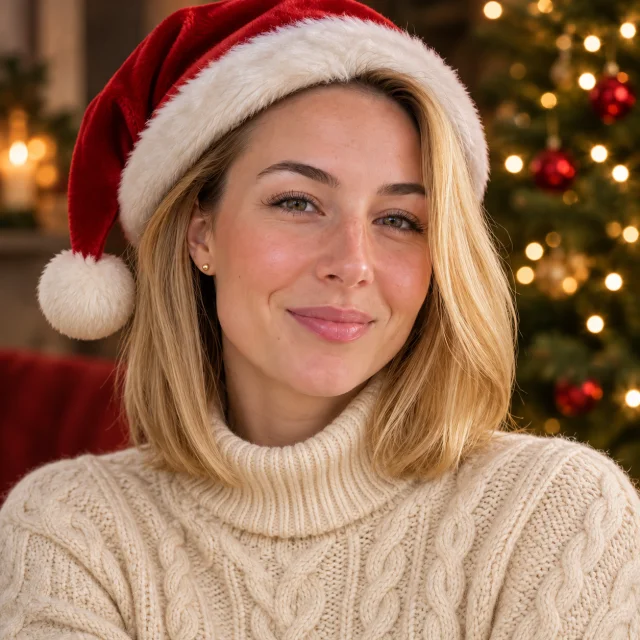 Christmas PFP makerA square holiday avatar from a selfie, Santa hat optional.Open
 Pet Christmas photosA dog or cat in a festive scene, alone or with a second pet.Open
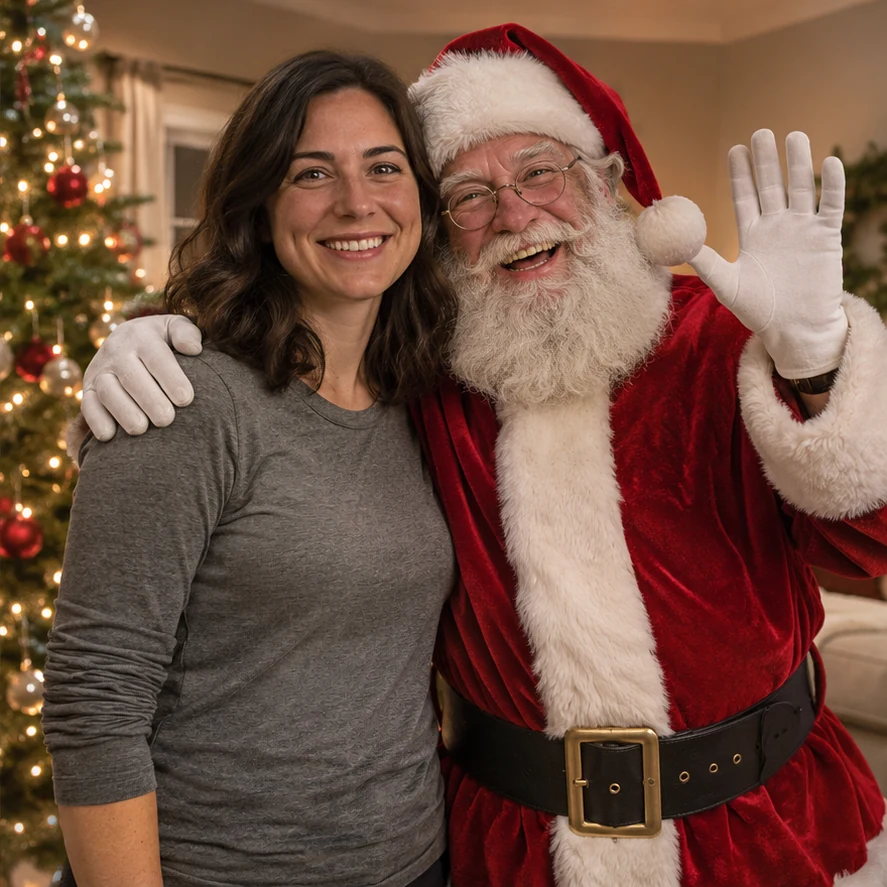 Photo with SantaSanta posing beside the people or pets in your own photo.Open
Santa Nice List — A named certificate around a child’s portrait. Open
AI Christmas Photoshoot — Holiday portraits of the family made from everyday photos. Open
AI Christmas Card Generator — A wide picture with room for a greeting, for the front of a card. Open
AI Christmas Wallpaper — Holiday decorations added to a photo for a lock or home screen. Open
AI Christmas Background — A wide festive scene, from a photo or from words. Open
Reasons
Why make a Santa photo with AI
The face stays theirs
Your photo is the reference, so the smile and features of the person you know carry into the picture. The Santa outfit is added around them.
A full costume without the costume
The hat, the coat and the backdrop all come from the look you choose. Nobody has to dig a Santa suit out of the loft.
A few taps in the browser
No app is needed. Choose a picture on your phone, pick a look and generate.
Price shown up front
Each image is 5 credits (1K) or 10 credits (2K), shown before you press create. Pack credits are a one-time purchase and never expire, and downloads have no watermark.
Questions
AI Santa photo questions
It is a portrait where the person in your photo wears Santa’s red hat and coat in a festive setting. Their face stays recognizable, so it still looks like them.
Yes, with the agreement of the child’s parent or guardian before the photo goes up. For a named keepsake, the Santa Nice List certificate is another option.
Use Add Santa to a Photo. It keeps the people in your picture as they are and adds a separate Santa posing next to them, in one of four settings.
For pets, use the Christmas pets effect and choose the Santa outfit look. It accepts one pet photo or two.
A front-facing shot in soft, even light with the whole head visible and some space above it. A plain phone picture usually does better than a heavily edited one.
Each image is 5 credits (1K) or 10 credits (2K). A one-time credit pack needs no subscription, its credits never expire, and downloads carry no watermark.
Who gets the Santa suit this year?
Pick a clear photo, choose a look and make a Santa portrait the family will talk about.