 Holiday portraits for the dog, the cat, or both
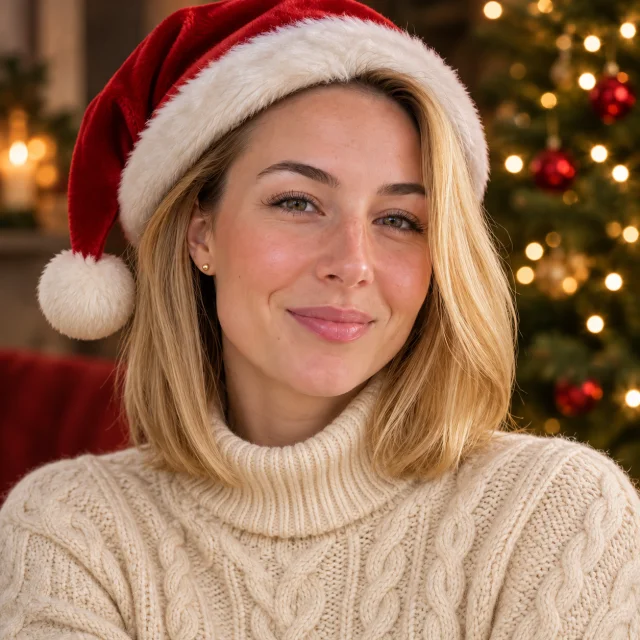
Christmas PFP
Santa hat
Use this look
Holiday portraits for the dog, the cat, or both
Make a pet Christmas photo without a costume or a cooperative pet. Upload one clear picture, or two pictures for a pair, and choose a look: Santa outfit, elf, reindeer antlers, pajamas under the tree, a fireside rug or falling snow.
1Upload your photo
Pick a bright, sharp photo where your pet’s face is easy to see.
You can also drop files on the boxes or paste an image with Ctrl+V (⌘V).
2Pick your Christmas effect
3Choose quality & format
Type a name or an extra detail, or leave it blank to get the style as designed.
This pet photo: 10 credits. A one-time Stocking pack ($4.99) covers it, and pack credits never expire.
When you start, you confirm you are allowed to use every photo you upload. Terms of Service
One-time credit packs · 5 credits at 1K, 10 at 2K · Failed jobs return their credits
Updated
Upload one clear photo per animal, choose one of six looks and the AI paints a holiday portrait of your dog or cat, or of two pets together. Each image costs 5 credits (1K) or 10 credits (2K), shown before you start, and a failed job returns its credits.
Illustrative examples
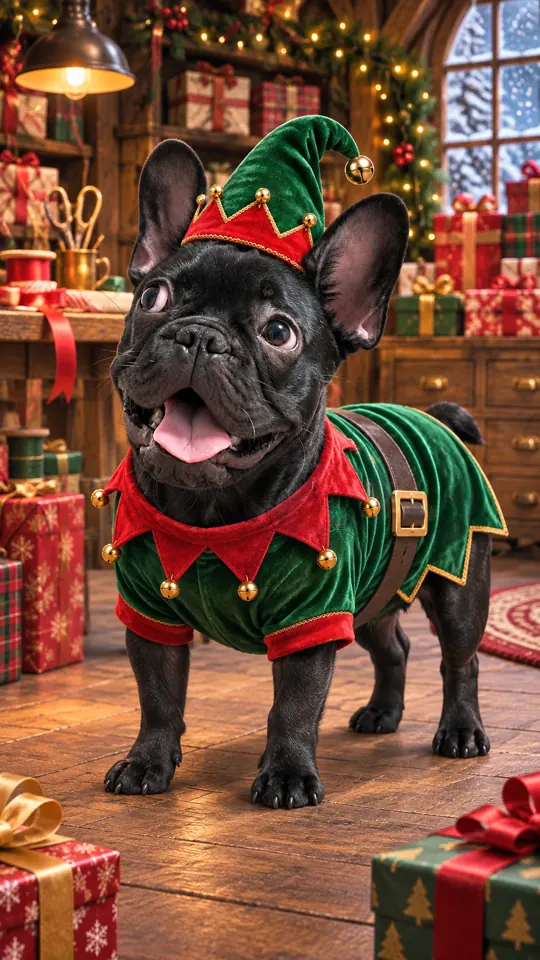
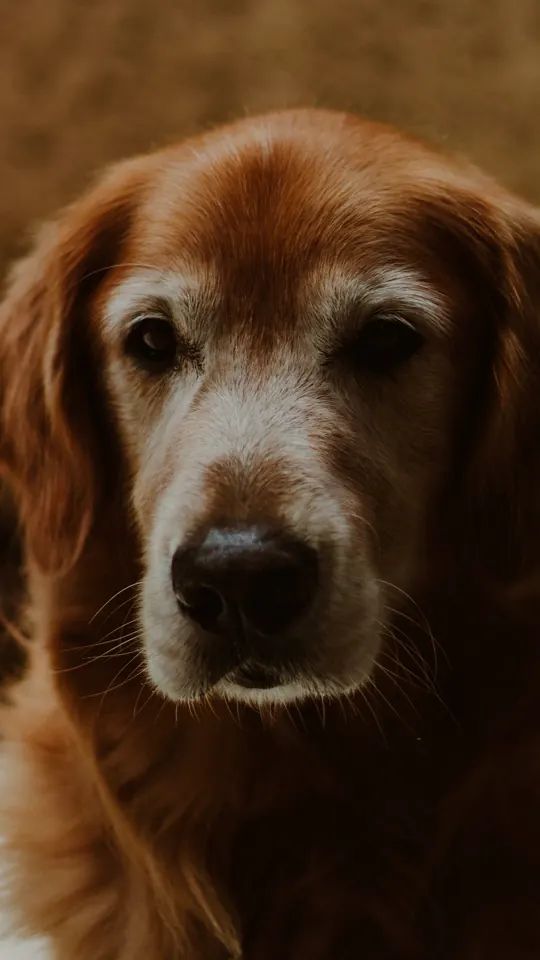
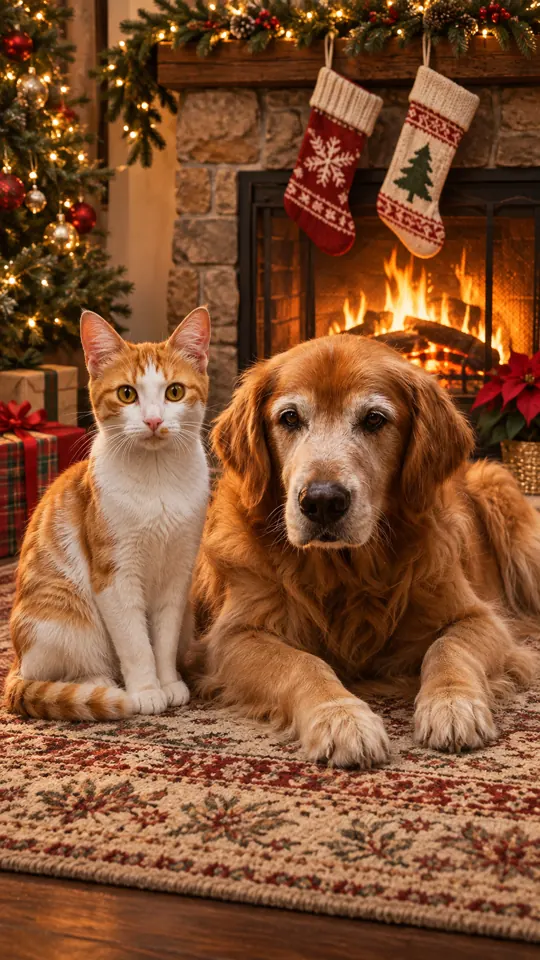
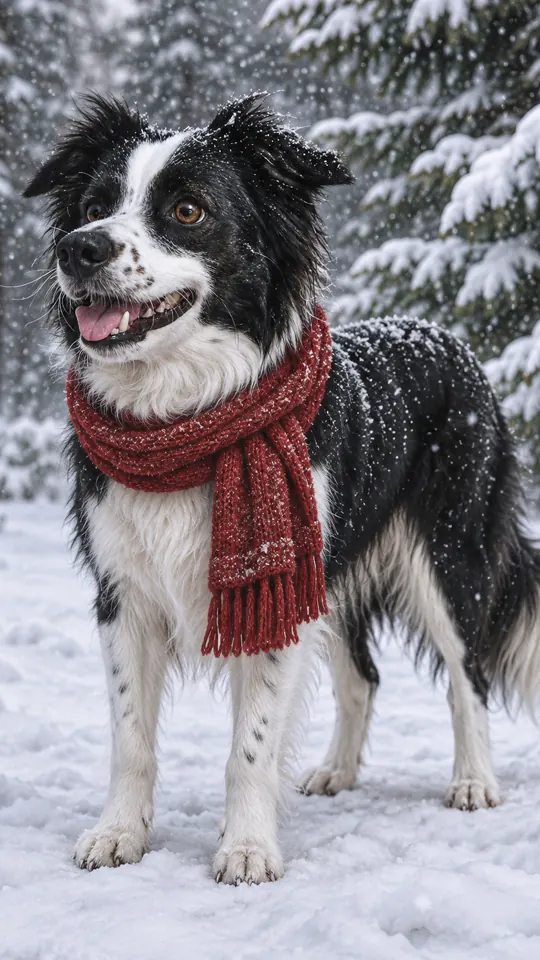
These illustrations show an everyday pet picture next to a holiday version. They are not results from the live tool. Tap a look to load it in the studio.
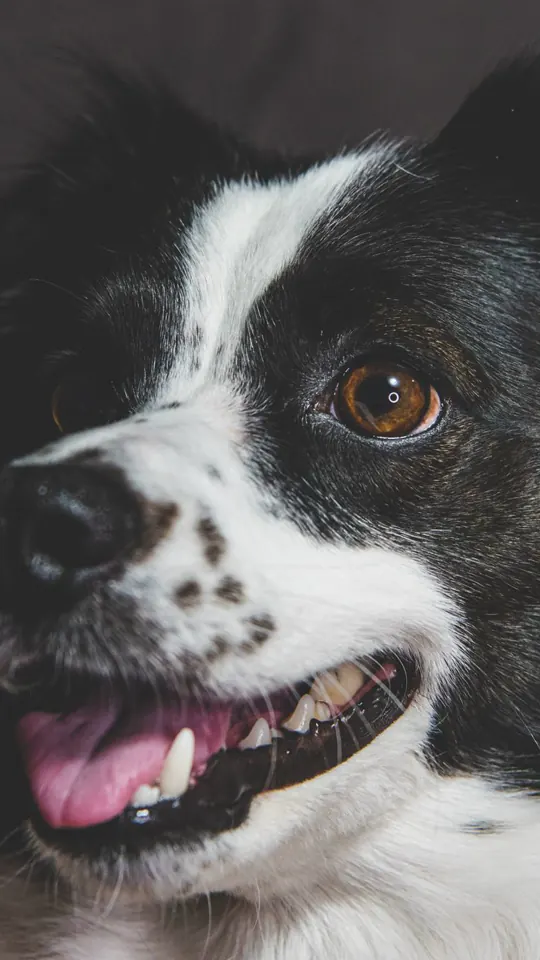 Before
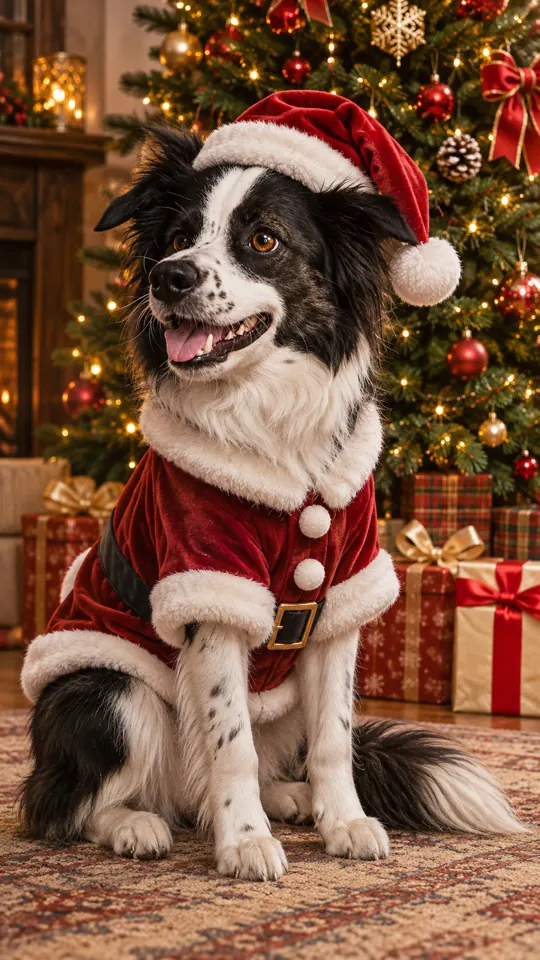
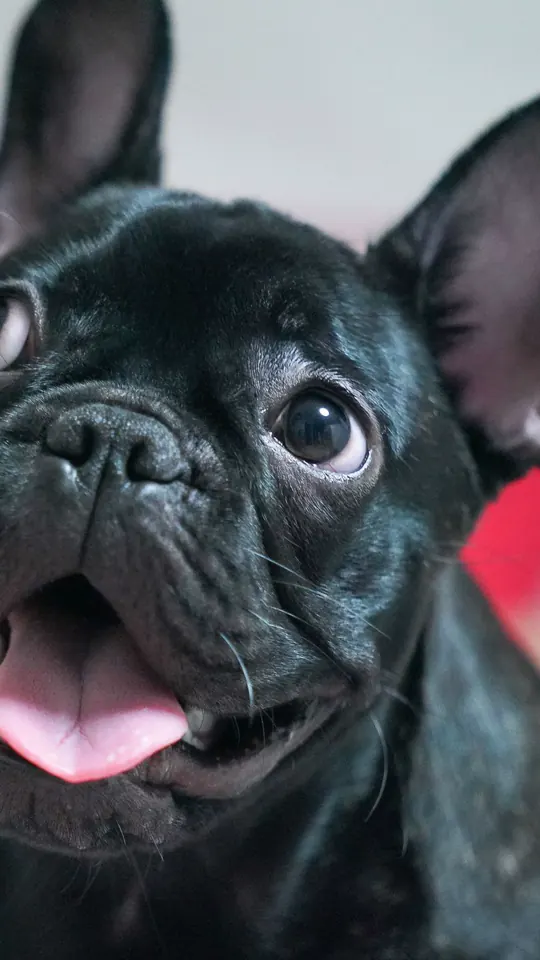 Before
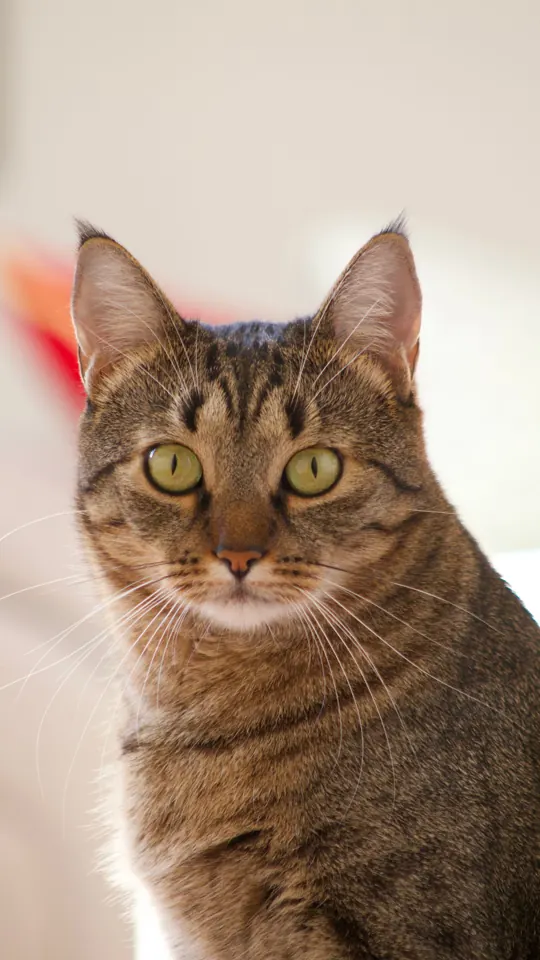 Before
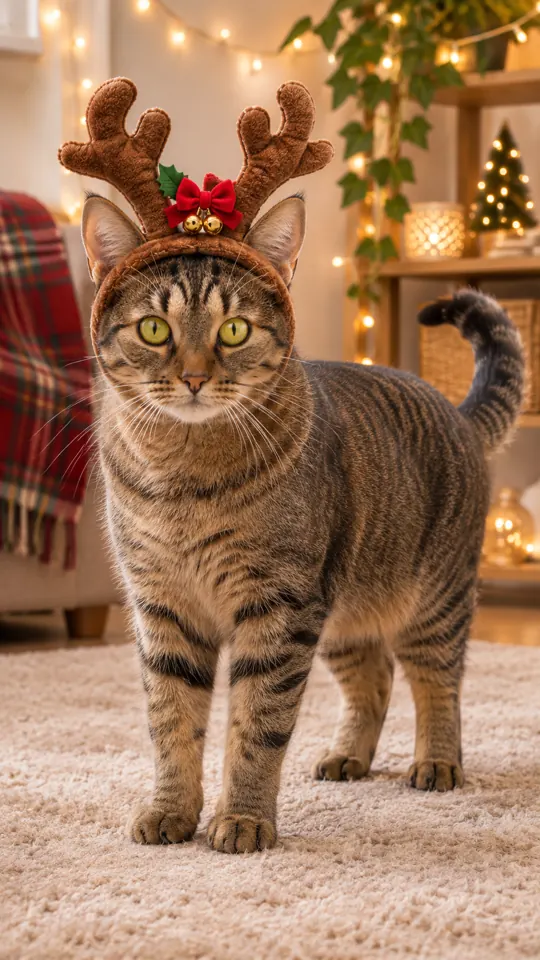
 Before
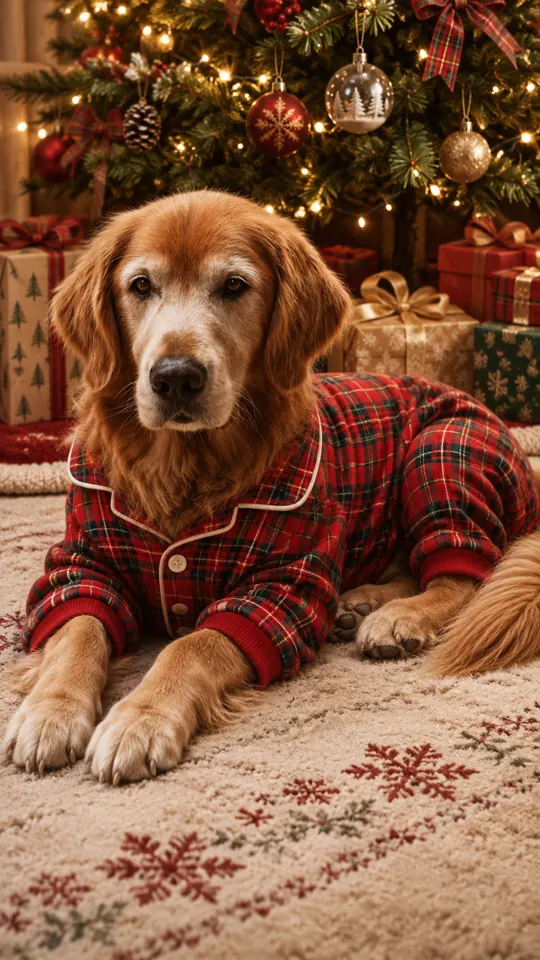
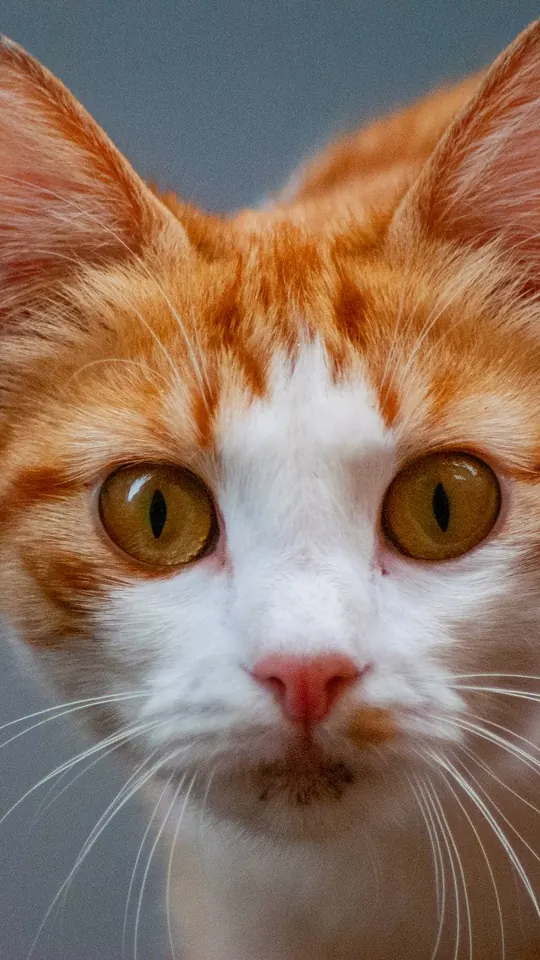 Before · two photos
 Before
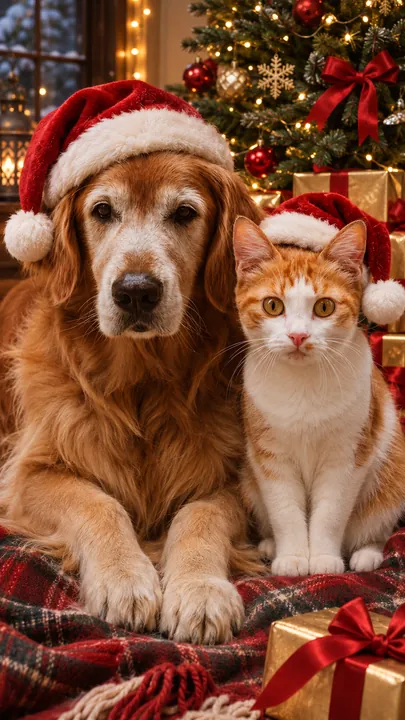
Two separate photos with one animal in each end up in the same scene. Select Two pets in the studio and choose a look.
Before · two photos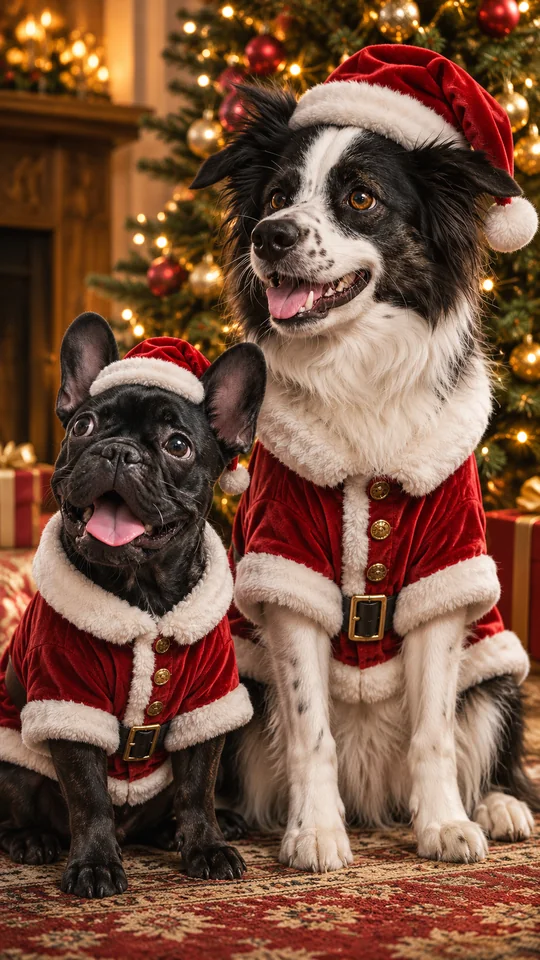 Before · two photos
 Before · two photos
 Before · two photos
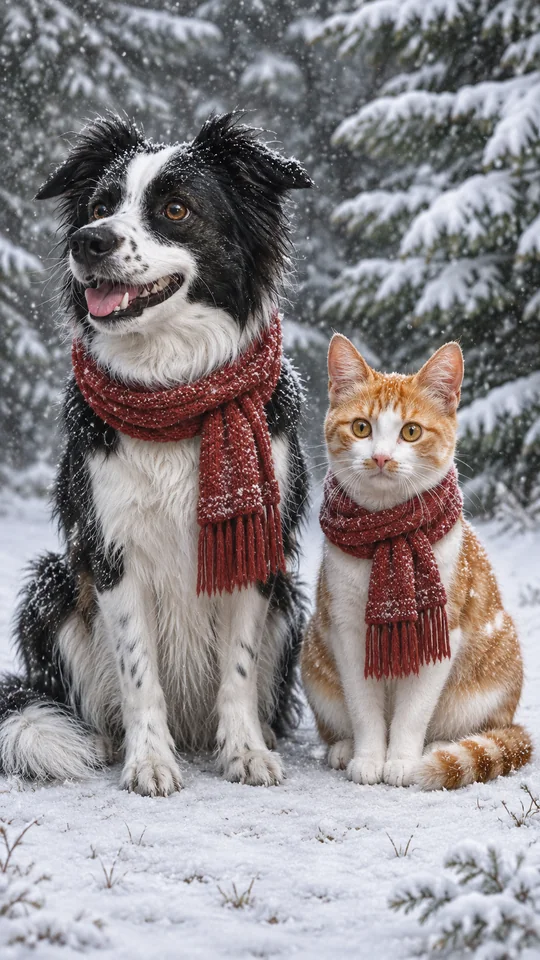
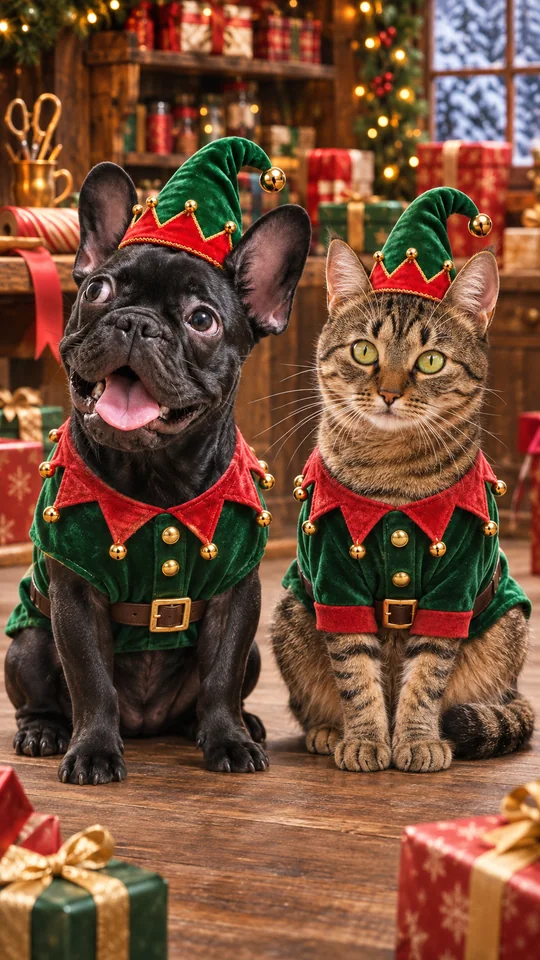
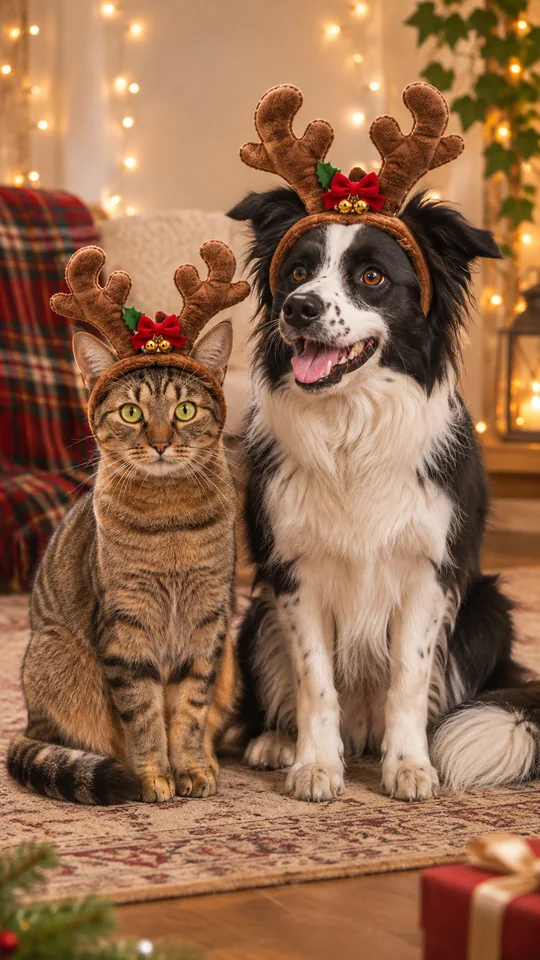
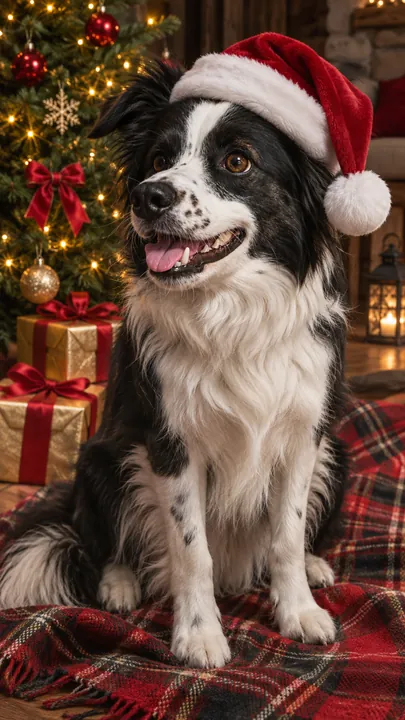
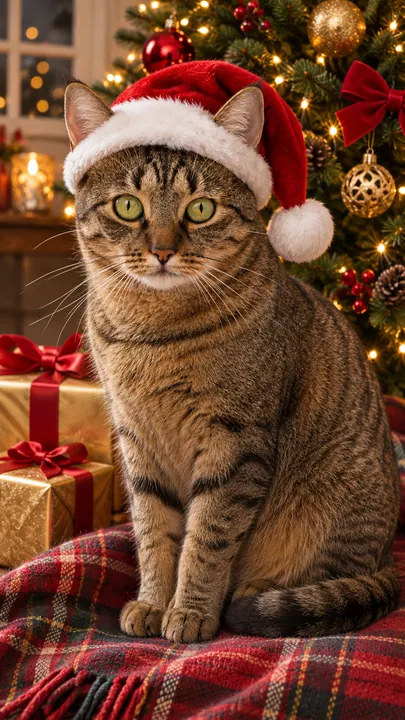
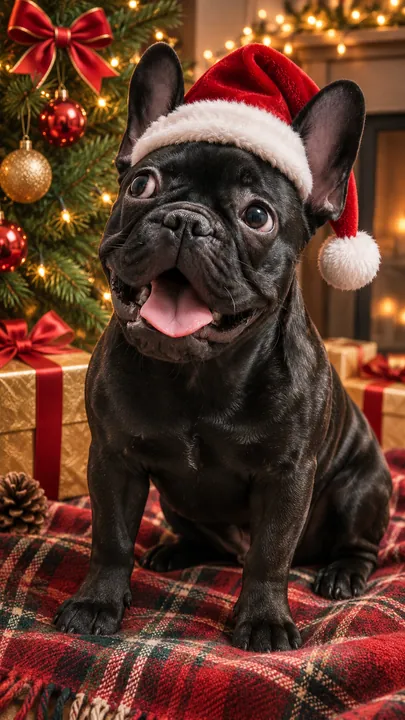
Four more illustrative examples of pets in a Santa hat beside a decorated tree, one of them a pair made from two photos.
About this tool
The best ones still look like your animal. Here the starting point is your own animal’s photo rather than some stock Santa puppy. You upload the picture, choose a look, and Christmas PFP paints a new holiday scene in which only the outfit, props and backdrop change; the face, coat and markings are meant to stay.
This page’s studio starts on the Christmas pets effect, which has six looks: Santa outfit, Elf, Reindeer antlers, Pajamas under the tree, By the fireplace and Snow. Choose Two pets and upload one photo of each animal to put them in the same picture, even if they would never pose together.
Cats work just as well as dogs. For a Christmas cat PFP, pick a look and switch the format to square (1:1) so the picture fits a profile slot. This is a still image made from your upload, not a live filter, and your pet never wears anything. The pet effect handles animals only, one or two of them. For portraits of people, try the AI Christmas photoshoot or the AI Santa photo.
More pet tips? See the guide to Christmas pet photos
How to
Pick a bright shot with a clearly visible face and eyes, and only one animal in it. Computer users can drop or paste the file, or hand it over from a phone.
Pick One photo for a single pet or Two pets for a pair at the top of step 1.
The pet effect is preselected. Pick Santa outfit, Elf, Reindeer antlers, Pajamas under the tree, By the fireplace or Snow. For a pair, choose Two pets and add the second photo.
2K is preselected at 10 credits; 1K costs 5. The frame starts tall (9:16), and square (1:1) and wide (16:9) are also available.
Type an optional name or detail, for example “Biscuit, green collar”. Press create, look over the result and download the one you like.
Other effects
Run another photo through a different holiday effect.
Santa hat
Use this look
Classic Red & Gold
Use this look
Next to the tree
Use this lookReasons
The picture starts from your animal’s photo, and the AI is told to keep the face, coat and markings.
Santa outfit, Elf, Reindeer antlers, Pajamas under the tree, By the fireplace or Snow, with no dressing up required.
Upload one photo of each animal and they share the same holiday scene.
Each image is 5 credits (1K) or 10 credits (2K). The studio shows the number before you start, and failed jobs return their credits.
Questions
You get a brand-new holiday portrait painted from your pet’s photo. Give it one or two pet photos, choose among six looks, and the studio produces a festive picture in which your pet should still look like itself. It is a still picture, not a live filter.
Yes. Choose Two pets and upload two photos, one animal in each, and both appear together. It is priced as one image: 5 credits (1K) or 10 credits (2K).
Six: Santa outfit, Elf, Reindeer antlers, Pajamas under the tree, By the fireplace and Snow. A short detail, such as a name or a collar color, can be added too.
A bright, sharp shot with the face and eyes visible. Keep one animal per photo, avoid strong filters and only use pictures you have the right to use.
Each image is 5 credits (1K) or 10 credits (2K). Credits come in a one-time Christmas PFP pack with no subscription; those credits never expire, and failed jobs return theirs.
Not here. This effect only paints animals, one or two of them, never a person alongside. For portraits of people, try the AI Christmas photoshoot or AI Santa photo pages and combine the pictures in a card or collage.
Pick a sharp picture of your pet, pick from six looks and see them dressed for the season.