 Holiday decorations added to a picture you already like
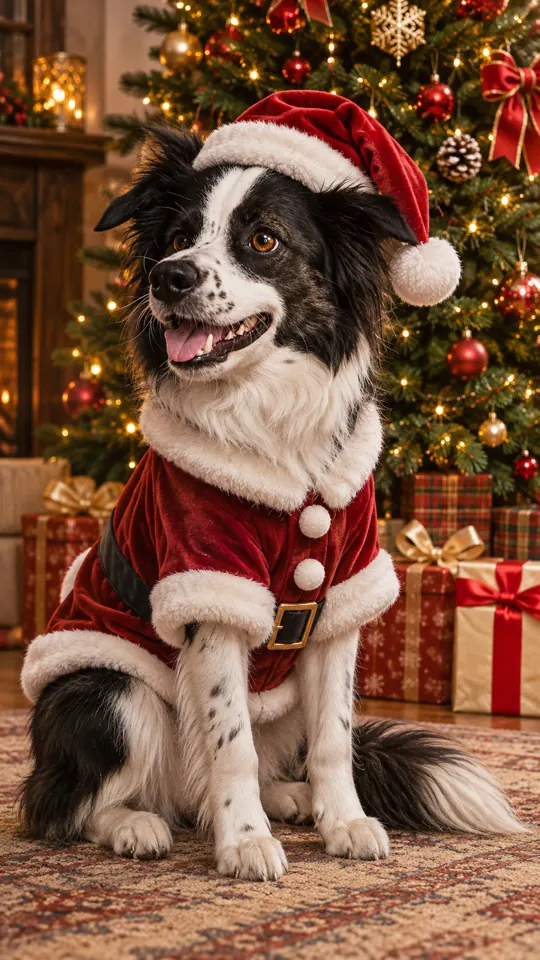
Pet Christmas photo
Santa outfit
Use this style
Holiday decorations added to a picture you already like
Make AI Christmas wallpaper from any picture: a portrait, your dog, a product shot, a room or a view. The AI hangs lights, garlands and ornaments around what is already in the frame, and you pick a phone, square or desktop shape.
1Upload your photo
Anything goes: people, animals, objects, rooms or a view. A face is optional.
You can also drop files on the boxes or paste an image with Ctrl+V (⌘V).
2Pick your Christmas effect
3Choose quality & format
Type a name or an extra detail, or leave it blank to get the style as designed.
This Christmas photo: 10 credits. A one-time Stocking pack ($4.99) covers it, and pack credits never expire.
When you start, you confirm you are allowed to use every photo you upload. Terms of Service
One photo · Keep its shape or pick a screen size · Four decoration styles
Updated
Upload a photo of anything (people, pets, products, rooms or outdoor views; no face needed) and choose the Add Christmas decor effect with one of four styles. The AI decorates the scene you already have rather than swapping it out. Keep the photo’s own proportions, or pick tall 9:16, square 1:1 or wide 16:9. Each image is 5 credits (1K) or 10 credits (2K), shown before you start, and failed jobs return their credits.
Examples
These illustrative pairs show one invented room in each style, plus a portrait and a pet photo. They are not results from your upload. Tap a style to select it in the studio.
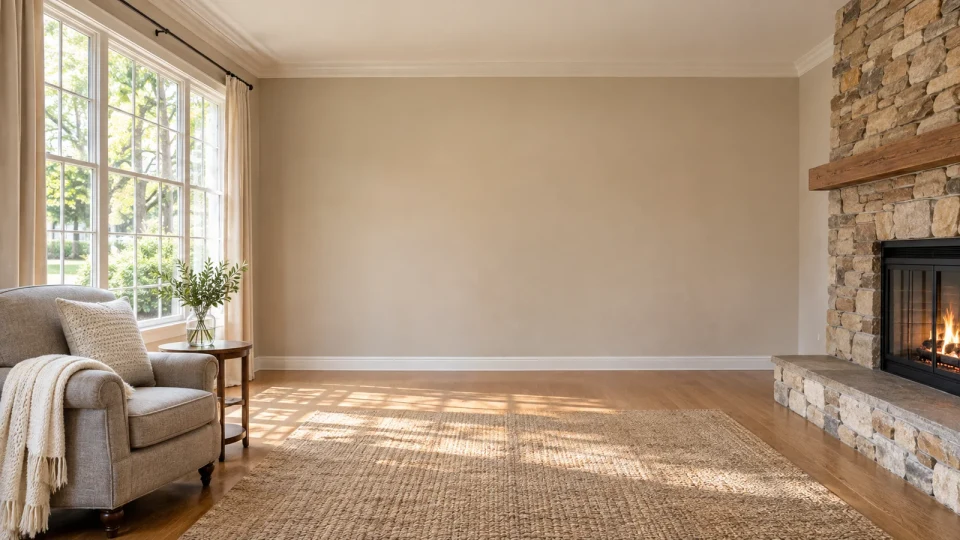
Before
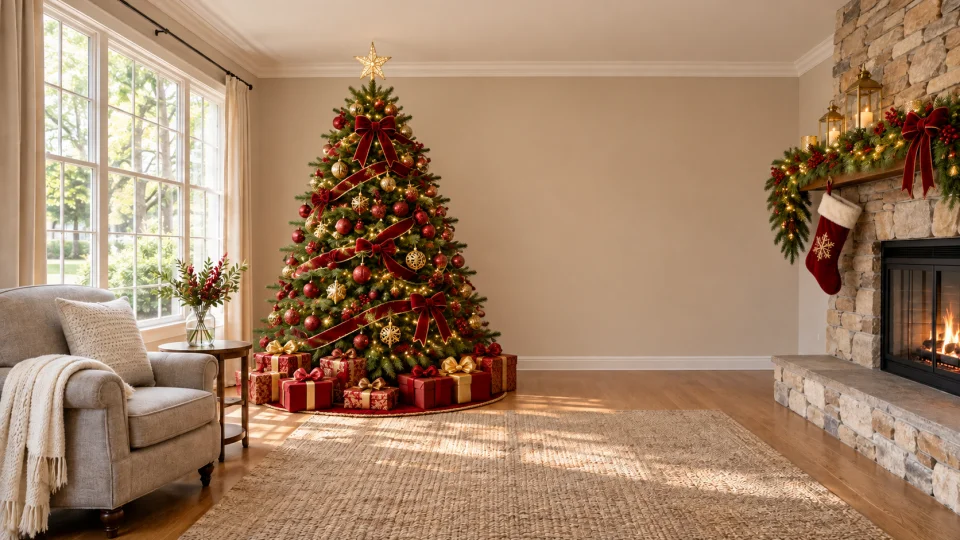
After
One room shown in four decoration styles
Use this styleBefore
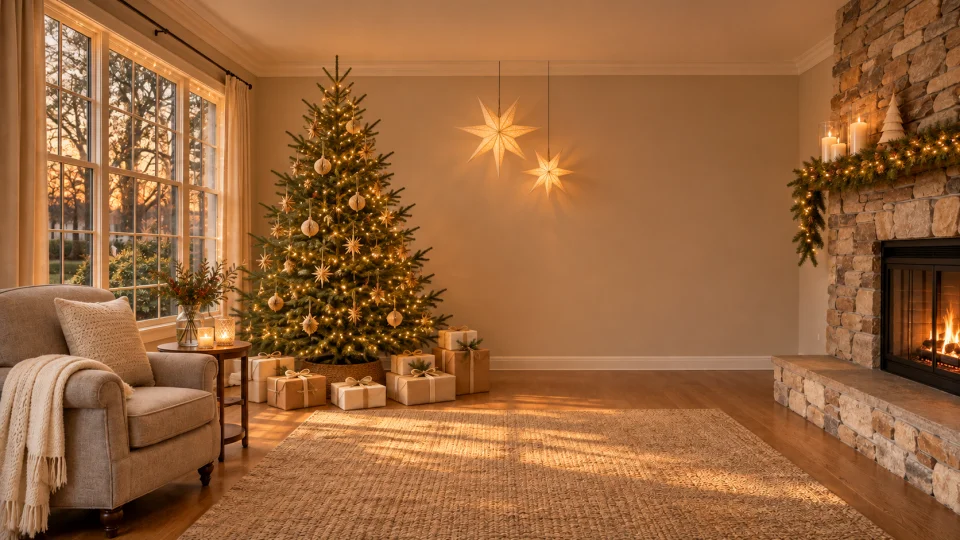
After
One room shown in four decoration styles
Use this styleBefore
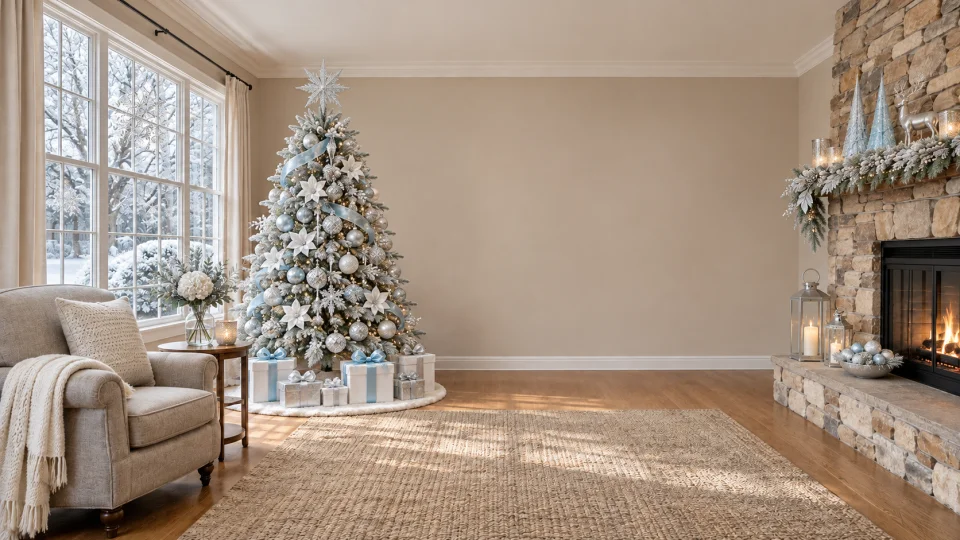
After
One room shown in four decoration styles
Use this styleBefore
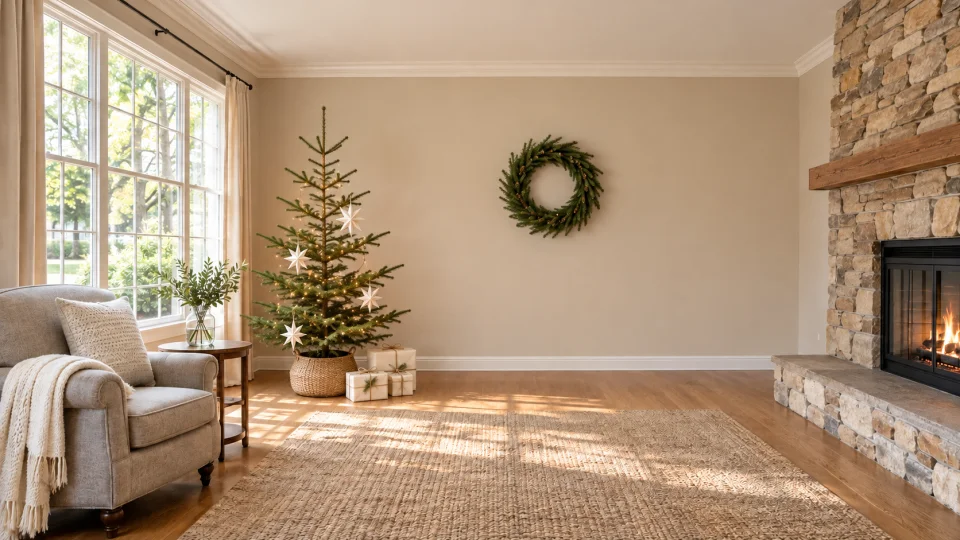
After
One room shown in four decoration styles
Use this style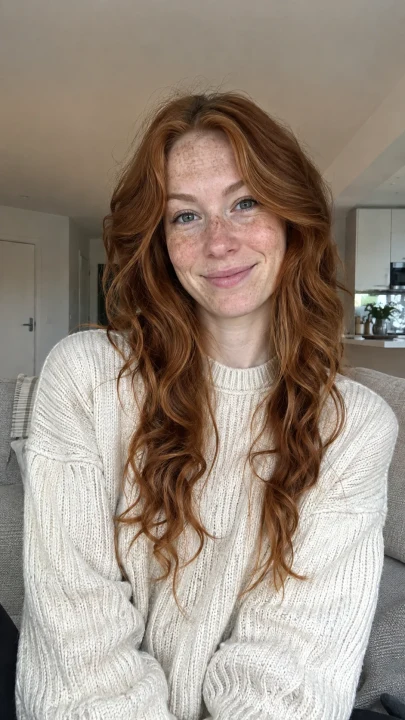
Before
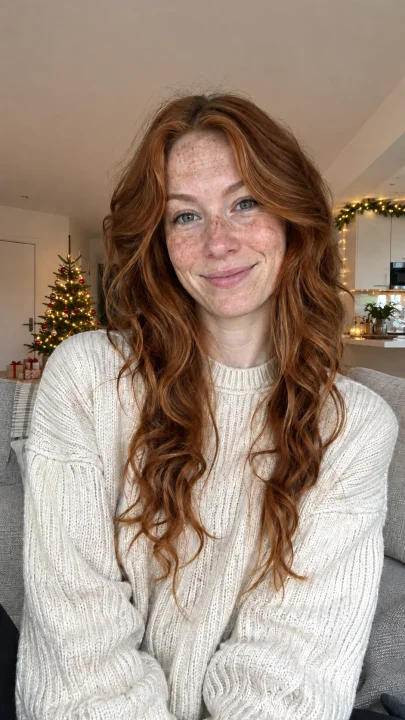
After
The person stays as they are and the room gets the decorations
Use this style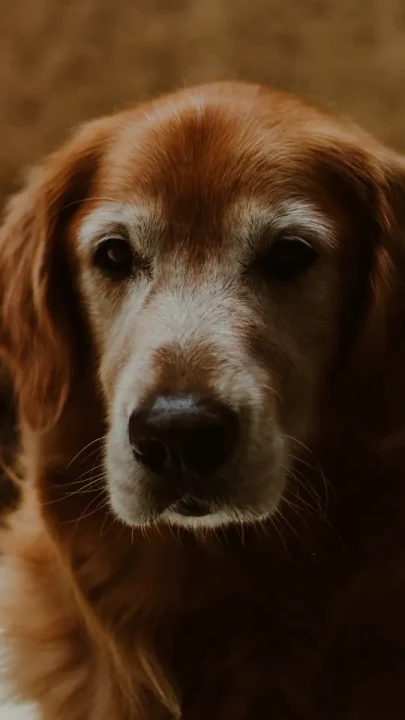
Before
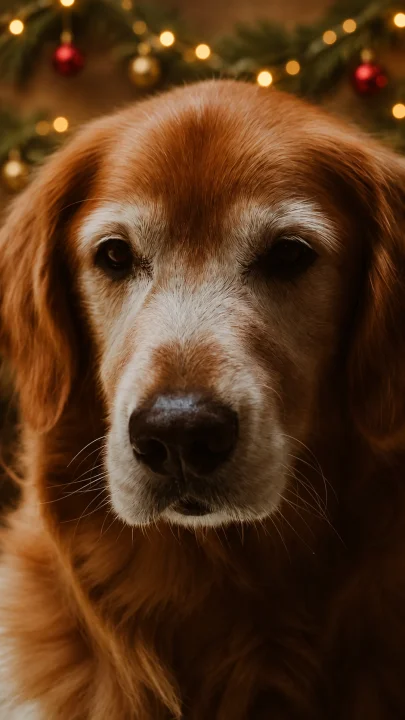
After
The dog keeps its face and coat while the background gets the decorations
Use this styleAbout this tool
Here it means a holiday version of a photo you supply, made for a screen. The decor effect adds seasonal details to the scene that is already there, whether it shows people, an animal, something you sell, a room or a landscape.
The subject is meant to stay where it is. Instead of cutting someone out and dropping them into a different place, the AI dresses up the surroundings they were photographed in.
Use the result as a lock screen, a desktop background or just a festive picture. The studio makes the image; setting it as wallpaper and any cropping happen in your device settings.
How to
Pick one JPG, PNG or WebP under 10 MB showing a person, pet, product, room or view. Leave some of the surroundings in frame so the decorations have space. A face is not required.
Add Christmas decor is already selected on this page. Compare Classic Christmas, Warm lights, Snowy Christmas and Minimal Christmas; the room previews all start from the same photo, so the differences are easy to see.
Leave the photo’s proportions as they are, or pick tall 9:16 for a phone, square 1:1, or wide 16:9 for a monitor. 2K is the default at 10 credits; 1K is 5.
If you like, say where decorations should go or what to leave alone, for example “keep the faces clear and leave the top empty for the clock”. Sign in, create, check the result and download it, then set it as wallpaper on your device. Failed jobs return their credits.
Other effects
Run another photo through a different holiday effect.
Santa outfit
Use this style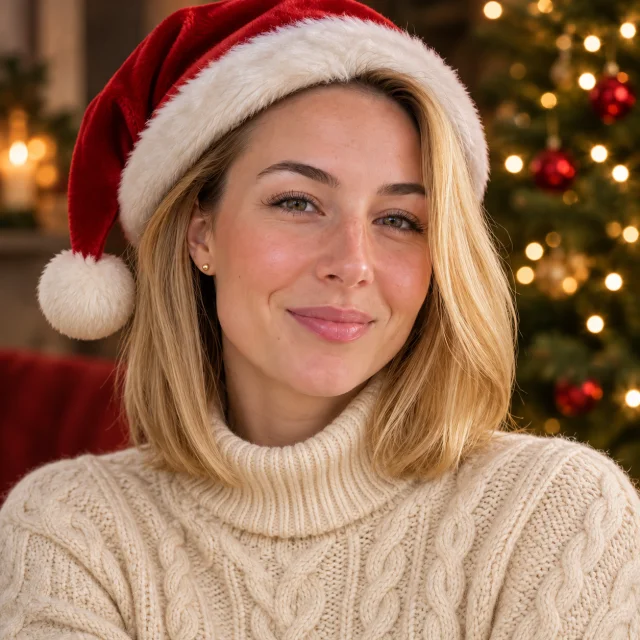
Santa hat
Use this style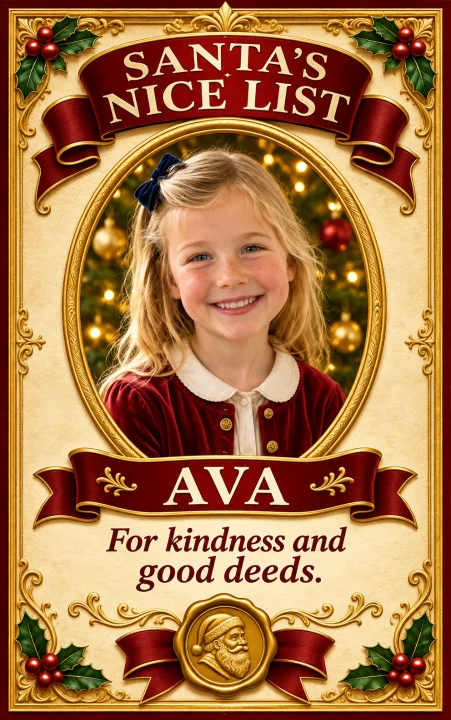
Classic Red & Gold
Use this styleReasons
People, pets, products, a home or the view from a window. This effect does not need a face.
The AI is told to keep faces, outfits, objects and the layout of the room while adding decorations that match the light. Check the result for any changes.
See Classic Christmas, Warm lights, Snowy Christmas and Minimal Christmas side by side before choosing.
Leave the proportions as they are, or reshape to tall 9:16, square 1:1 or wide 16:9. The credit cost is shown before you start.
Questions
A holiday version of a photo you upload. The Add Christmas decor effect adds lights, garlands, ornaments and similar details to the existing scene, and the result can keep your photo’s proportions or be reshaped for a phone or a monitor.
No. A cat, a candle, a shop shelf, a hallway, a house front or a garden all work. You need one photo, but no visible face.
The AI is told to leave people, pets, furniture, walls and the camera angle alone and to decorate around them. AI edits can still alter small details, so look at the result at full size.
Upload a photo, keep Add Christmas decor, choose a style and pick 9:16. Ask for an empty area at the top if you want space for the clock. Then save the image and choose it as your wallpaper in the phone’s settings.
Yes. Choose 16:9 for a wide background. The AI extends the surroundings to fill the canvas instead of stretching or cropping the main subject. Your computer may still crop it, so preview the fit.
A 1K image is 5 credits and a 2K image is 10. The studio shows the cost before you start. You need to be signed in, and failed jobs return their credits.
No. This effect decorates the place in your photo and keeps it. It is not designed to cut out the subject and move it somewhere else; for a brand-new wide scene, try the AI Christmas background tool.
Classic Christmas is red, green and gold. Warm lights is amber glow with cream accents. Snowy Christmas is white, silver and icy blue, with snow kept to outdoor areas. Minimal Christmas uses a few evergreen sprigs, paper stars and natural wood.
Upload a picture, choose a decoration style and download a festive wallpaper that still looks like your scene.