
A holiday portrait session that starts in your camera roll
 A holiday portrait session that starts in your camera roll
AI Christmas Photoshoot From a Photo You Already Took
A Christmas photoshoot usually means a booking, a backdrop and a family who will not sit still. Here you upload one ordinary picture instead, choose a holiday look, and the AI builds the festive portrait around the face in it.
1Upload your photo
Pick a bright, sharp photo showing one face.
You can also drop files on the boxes or paste an image with Ctrl+V (⌘V).
2Pick your Christmas effect
3Choose quality & format
Type a name or an extra detail, or leave it blank to get the style as designed.
This Christmas photoshoot: 10 credits. A one-time Stocking pack ($5.99) covers it, and pack credits never expire.
When you start, you confirm you are allowed to use every photo you upload. Terms of Service
One-time credit packs · Failed jobs refund their credits · Sign in to start
Updated Nov 13, 2026
In brief
Upload a single clear photo, pick one of four Christmas looks and choose a shape. The AI returns a festive portrait that keeps the face from your photo. Each image costs 5 credits (1K) or 10 credits (2K), shown before you start, and failed jobs return their credits.
Recent changes
- — Four looks to choose from: Classic Red & Gold, Cozy Christmas, Snowy Wonderland and Santa’s Workshop.
- — Fresh illustrative before-and-after pairs.
- — Photo tips to help the likeness come through.
- — A short four-step walkthrough.
- — Links to the card, Santa photo, wallpaper and background tools.
Illustrative examples
From a casual snapshot to a Christmas photoshoot portrait
The left side of each pair is the sort of picture everyone has: a quick indoor shot with flat light and a busy room behind. The right side imagines that same face after an AI Christmas photoshoot, with warm tree lights, a knit sweater and a seasonal setting. The models are invented, and your result will be its own image.
The four looks set the mood. Classic Red & Gold reads like a formal holiday portrait. Cozy Christmas is fireside and soft blankets. Snowy Wonderland takes the scene outside on a winter evening. Santa’s Workshop adds wooden toys and a bright, playful room. Choose the one that matches what you have in mind.
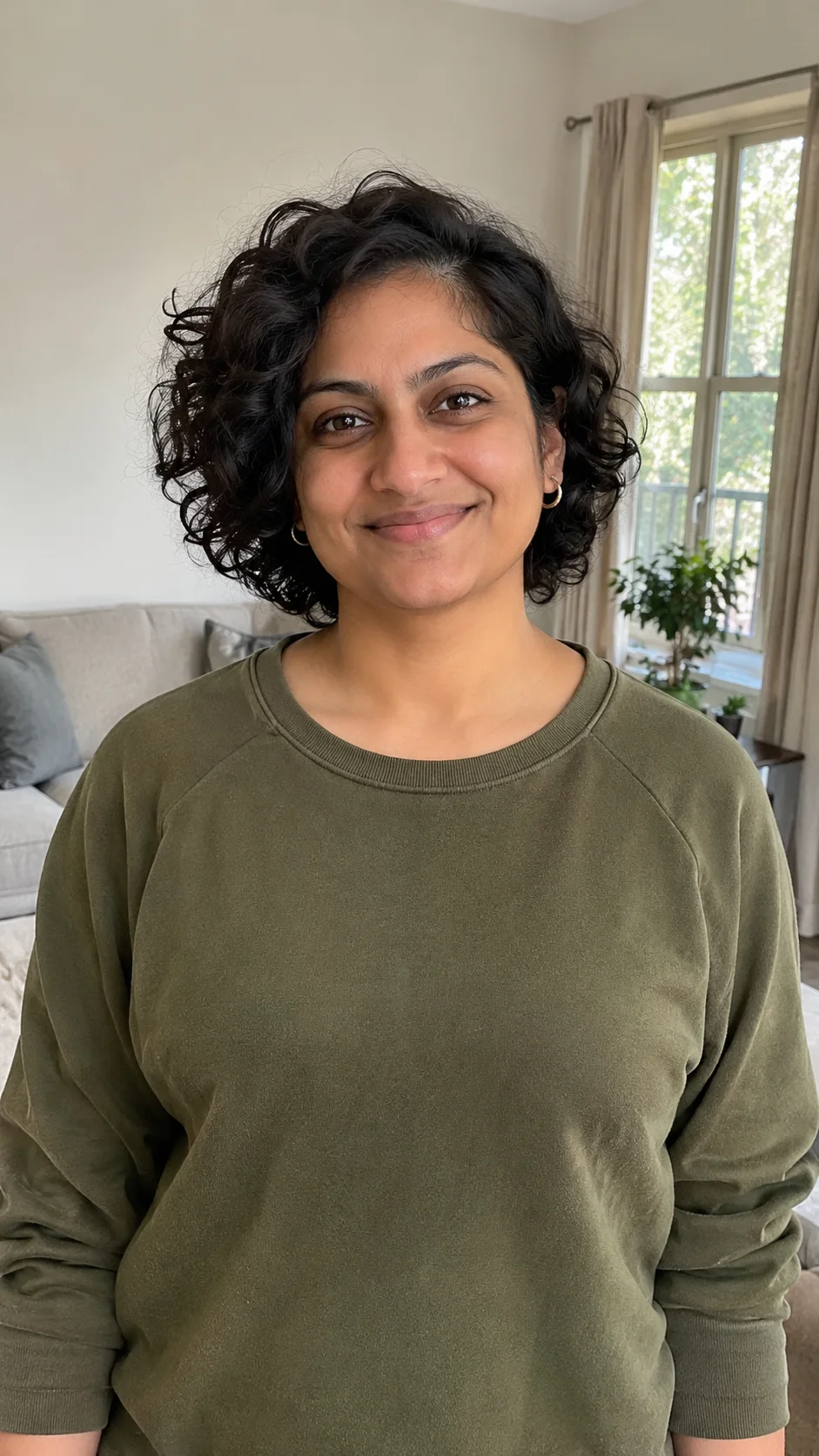
Before 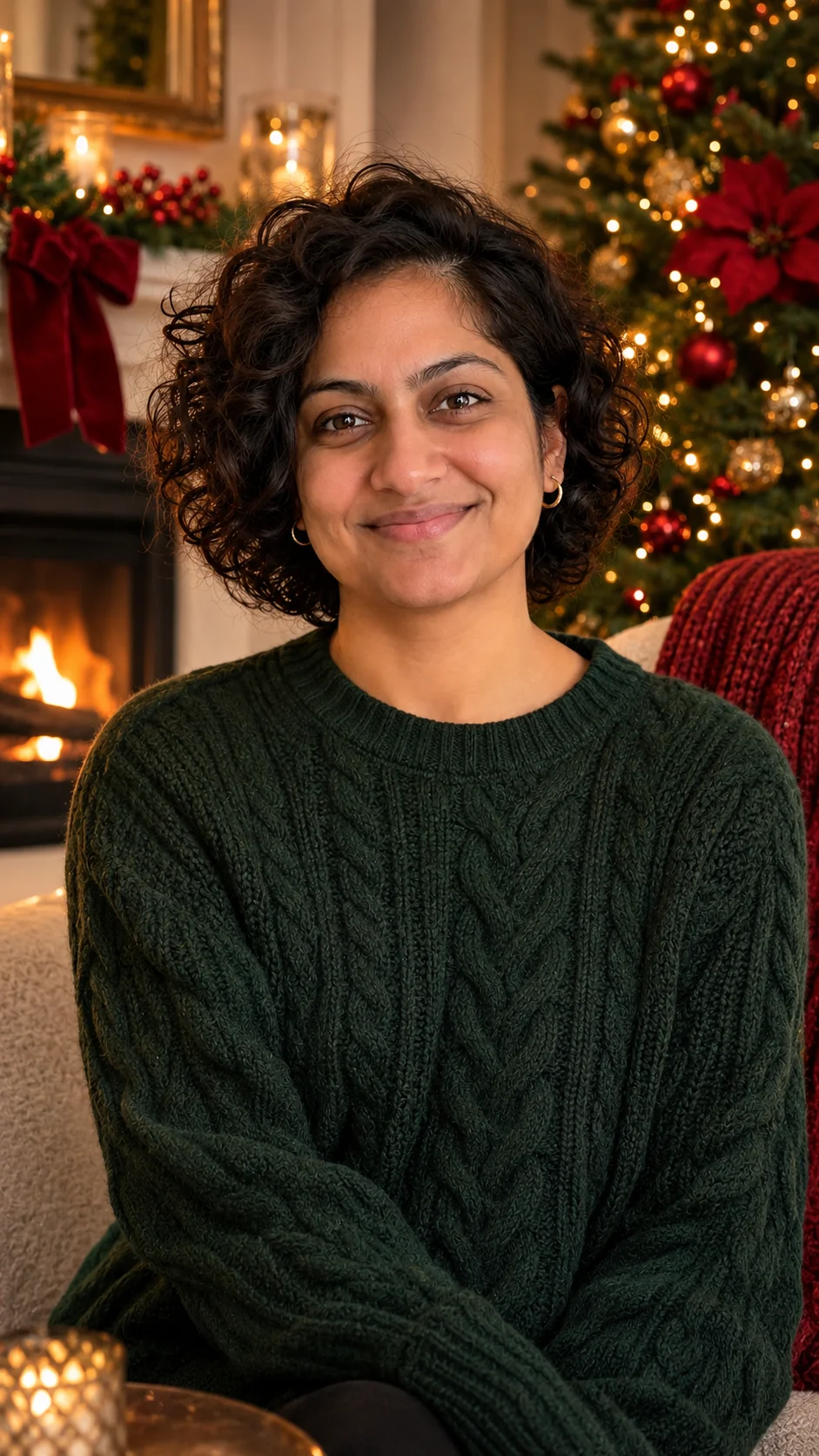
Holiday look Starting photo 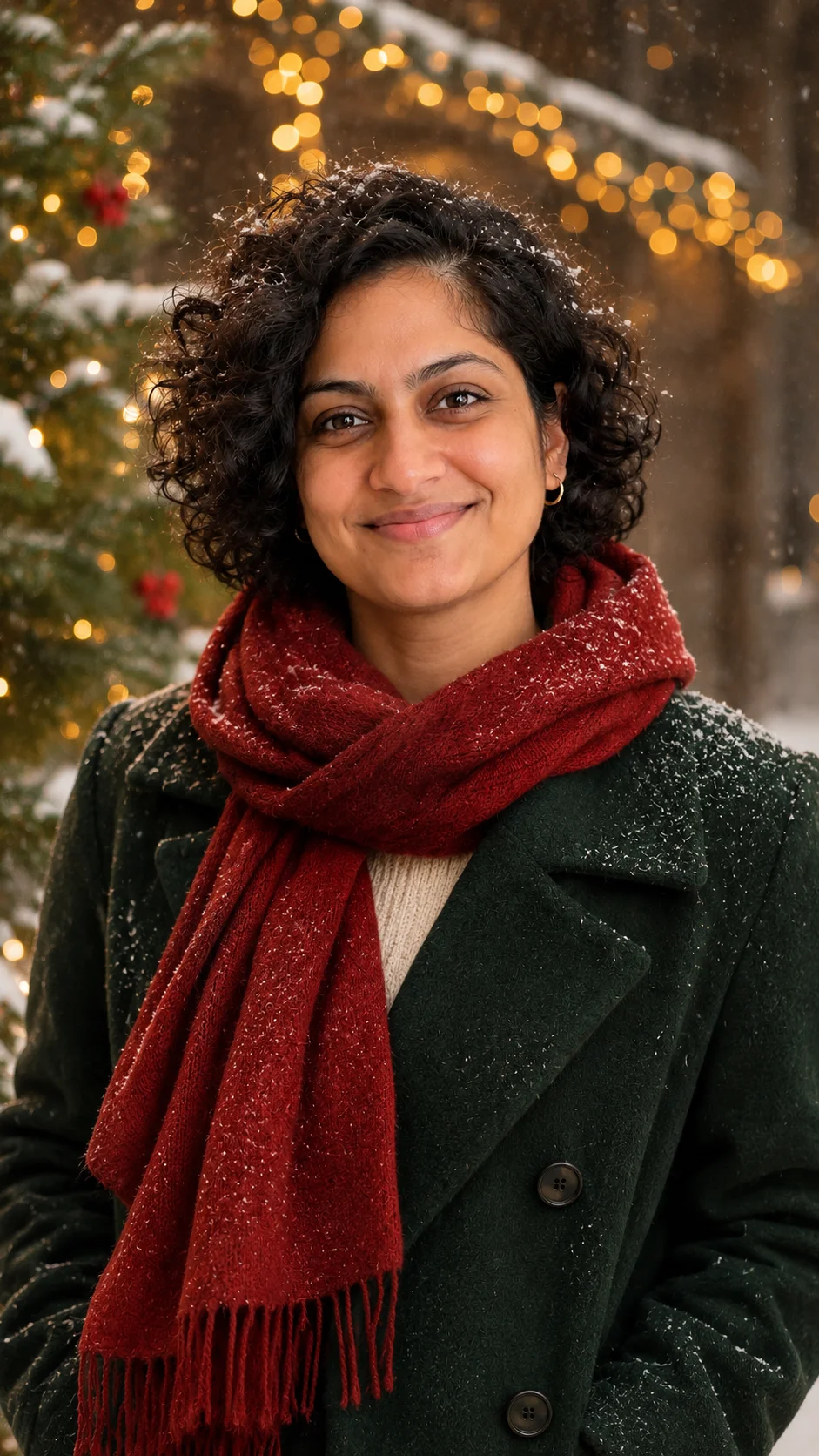
A second look
About this tool
What is an AI Christmas photoshoot?
It is a holiday portrait session that happens after the photo was taken. You upload a clear picture of someone, pick a Christmas look, and the AI redraws the scene, the light and the clothing while keeping the face recognizable.
A real Christmas photoshoot takes planning: a time slot, coordinated outfits, a toddler who has napped, a dog who will sit. Plenty of families never get round to it and then have nothing for the card. Starting from a photo you already like removes most of that work.
People also use it for a new profile picture, a printed gift for relatives who live far away, or a set of matching portraits made one person at a time. Try several looks and keep the one that suits you best.
Making a card? Try the AI Christmas Card Generator
How to
How to do a Christmas photoshoot with AI
Four steps take you from a plain photo to a finished holiday portrait.
- 1
Upload a clear photo
Pick a bright picture where the face looks toward the camera. Window light is ideal and a simple background helps. Avoid sunglasses and strong filters so the real expression survives.
- 2
Choose a look
Pick Classic Red & Gold, Cozy Christmas, Snowy Wonderland or Santa’s Workshop. The look decides the room, the colors and the lighting, so you do not have to write a long description.
- 3
Set quality and shape
Choose 1K for sharing online or 2K for more detail. The frame starts tall (9:16); square and wide are one tap away.
- 4
Add a detail, then create
Type a small extra if you want, like “matching red pajamas” or “stockings on the mantel”. Press create, review the portrait and download the one you like.
Other holiday tools
Each one starts from your own photo, whether it is a certificate, an avatar, a pet portrait or a photo with Santa.
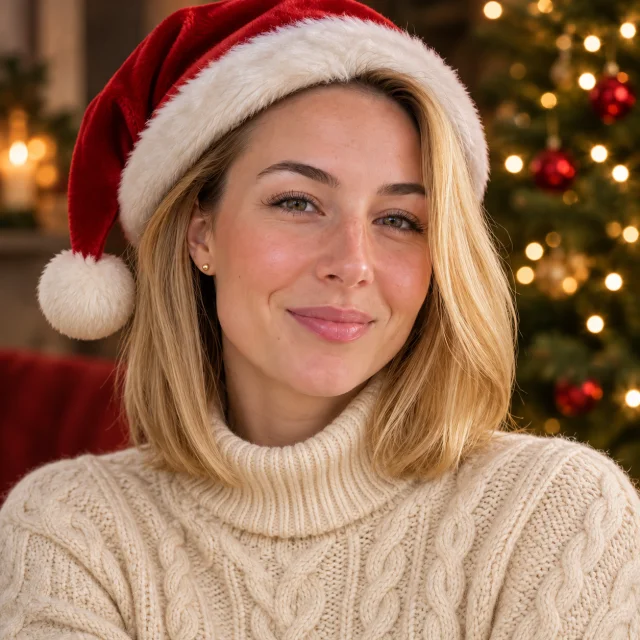 Christmas PFP makerA square holiday avatar from a selfie, Santa hat optional.Open
 Pet Christmas photosA dog or cat in a festive scene, alone or with a second pet.Open
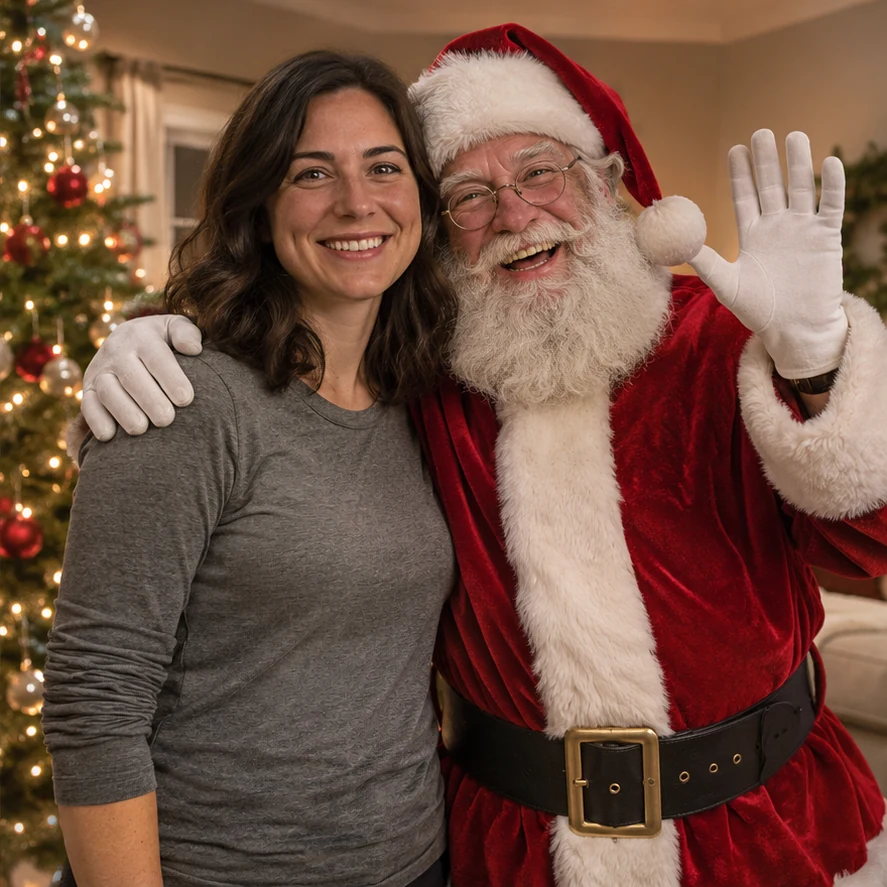 Photo with SantaSanta posing beside the people or pets in your own photo.Open
Santa Nice List — A named certificate around a child’s portrait. Open
AI Christmas Card Generator — A wide photo with room left for your greeting. Open
AI Santa Photo — The person in your photo dressed as Santa. Open
AI Christmas Wallpaper — Holiday decorations added to a photo for a lock or home screen. Open
AI Christmas Background — A wide festive scene, from a photo or from words. Open
Christmas Photo Prompts — Thirty prompt ideas for couples, families, pets and solo portraits. See the prompts
Reasons
Why choose an AI Christmas photoshoot
It still looks like them
The portrait is built from your upload, so the face stays familiar. Only the setting and the outfit change.
No booking, no outfits
There is no time slot to catch and no one to dress alike. A photo from any time of year can become a December portrait.
Runs in a phone browser
Nothing to install. Pick from your camera roll, or drag in a file on a computer.
Pay per image
Each image is 5 credits (1K) or 10 credits (2K), shown before you start. Pack credits are a one-time purchase and never expire.
Questions
AI Christmas photoshoot questions
One clear photo of the person you want in the portrait. A front-facing shot in good light works best. No costume, tree or special camera is needed.
Each portrait uses one photo, and one clear face per photo gives the best likeness. For a family set, make a portrait of each person with the same look so the pictures match side by side.
For dogs and cats, switch to the Christmas pets effect or use the pet Christmas photo page. It accepts one pet photo or two, and a clear shot with visible eyes works best.
Classic Red & Gold for a polished portrait, Cozy Christmas for a relaxed fireside feel, Snowy Wonderland for an outdoor winter scene, and Santa’s Workshop for something bright and playful.
Each image is 5 credits (1K) or 10 credits (2K). A one-time pack needs no subscription, and its credits never expire. Downloads have no watermark.
Yes, if they agree. A parent or guardian should approve any photo of a child, and please leave out celebrities and anyone who has not said yes.
Book nothing. Upload one photo.
Choose a look and turn an everyday picture into a holiday portrait.