 Holiday portraits for your dog
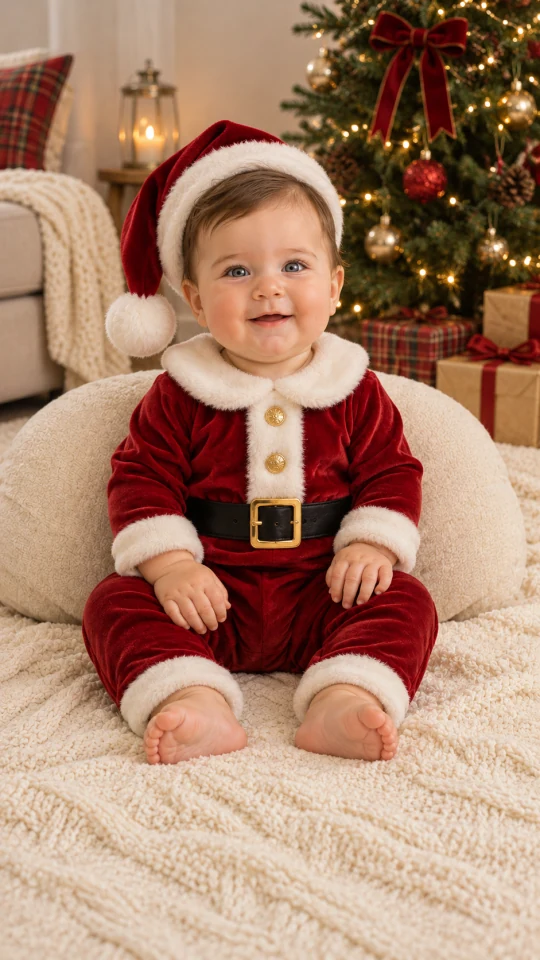
Baby Christmas outfit
Dress your little one in a cozy Santa suit.
Use this look
Holiday portraits for your dog
Get a dog Christmas photo without wrestling anyone into a costume. Upload a picture of your own dog and choose a Santa coat, an elf outfit, plaid pajamas under the tree or a snowy walk. Two dogs? Add one photo of each.
1Upload your photo
Pick a bright, sharp photo where your pet’s face is easy to see.
You can also drop files on the boxes or paste an image with Ctrl+V (⌘V).
2Pick your Christmas effect
3Choose quality & format
Type a name or an extra detail, or leave it blank to get the style as designed.
This pet photo: 10 credits. A one-time Stocking pack ($5.99) covers it, and pack credits never expire.
When you start, you confirm you are allowed to use every photo you upload. Terms of Service
One-time credit packs · 5 credits at 1K, 10 at 2K · Failed jobs return their credits
Updated
Upload a clear photo of your dog, pick a look such as the Santa outfit or snow, and the AI paints a new holiday portrait that keeps your dog’s face and coat. For two dogs, add one photo of each. Each image costs 5 credits (1K) or 10 credits (2K), shown before you start, and a failed job returns its credits.
Illustrative examples
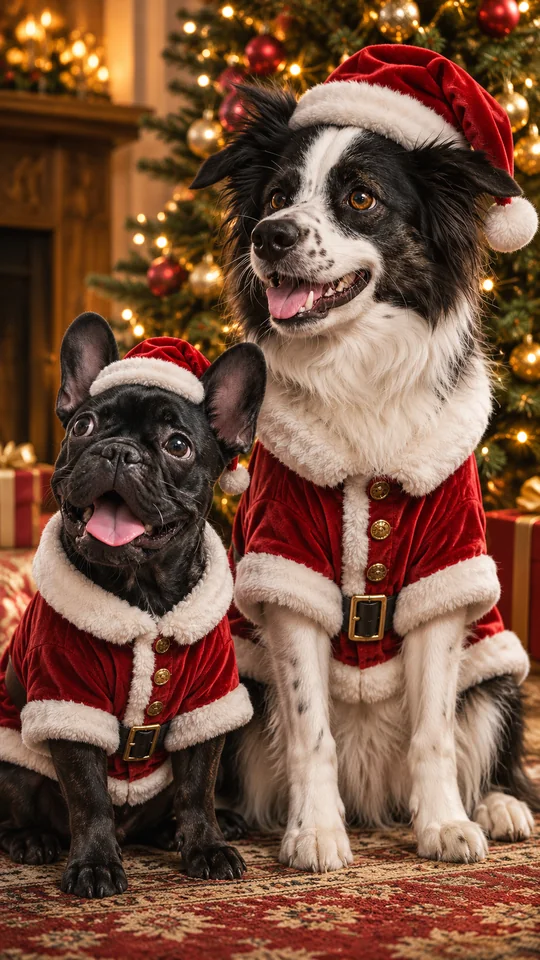
These illustrations put an everyday dog photo next to a holiday version. They are not results from the live tool. Tap a look to use it in the studio.
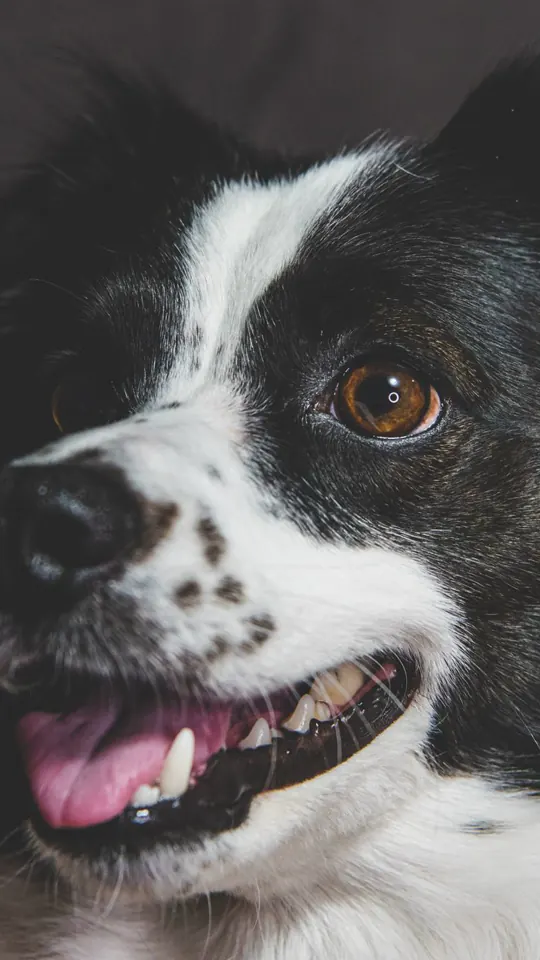
Before
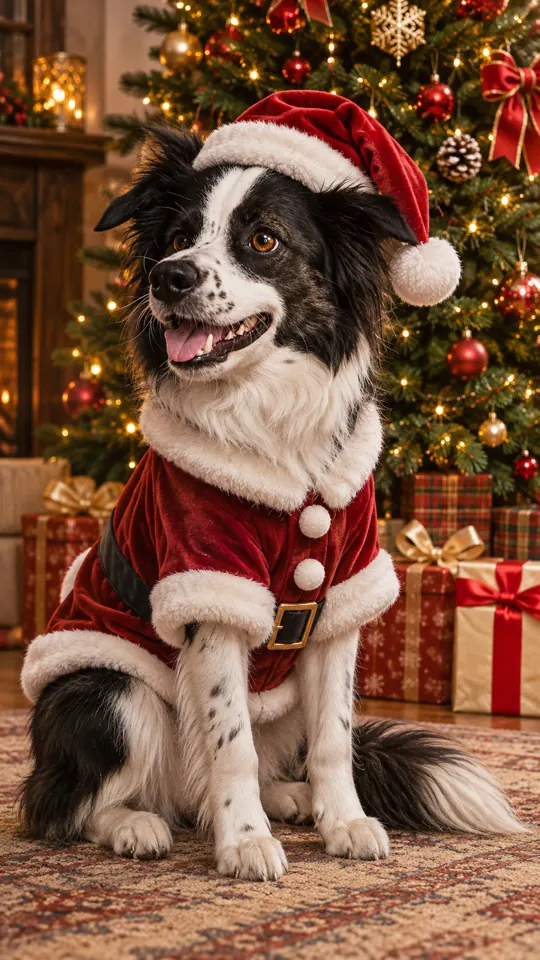
After
Border collie
Use this look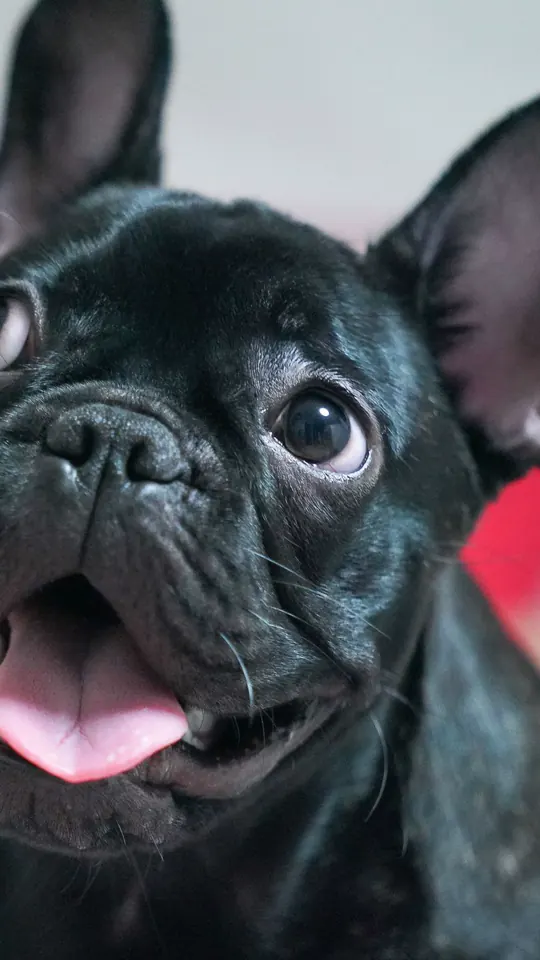
Before
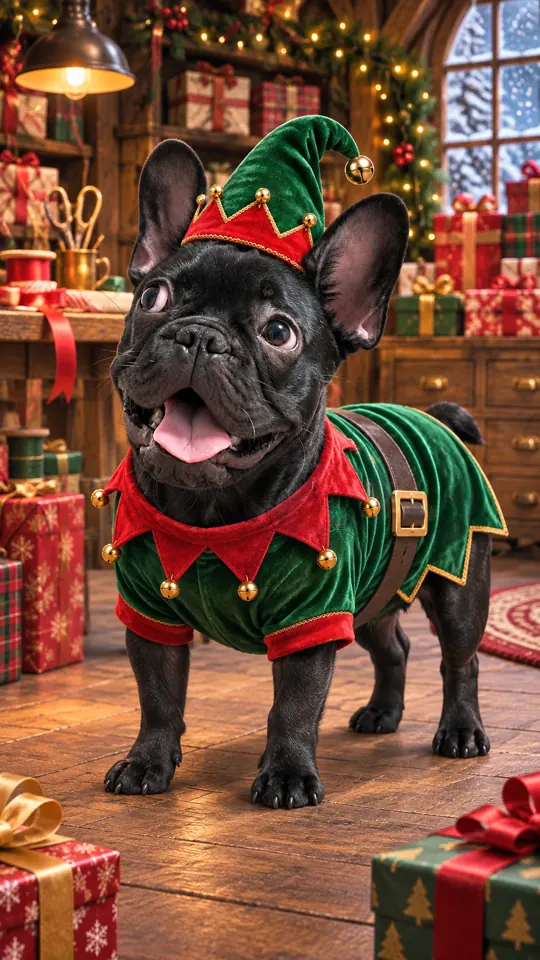
After
French bulldog
Use this look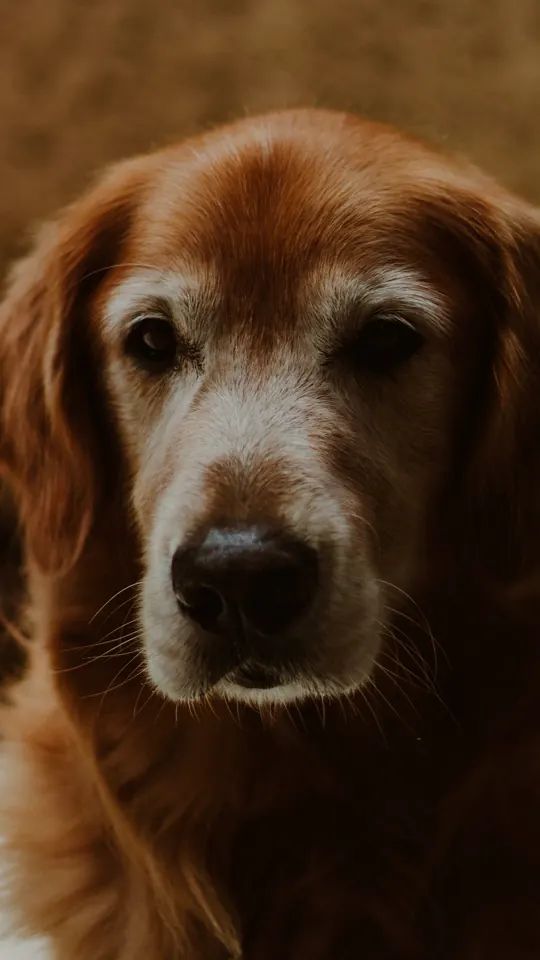
Before
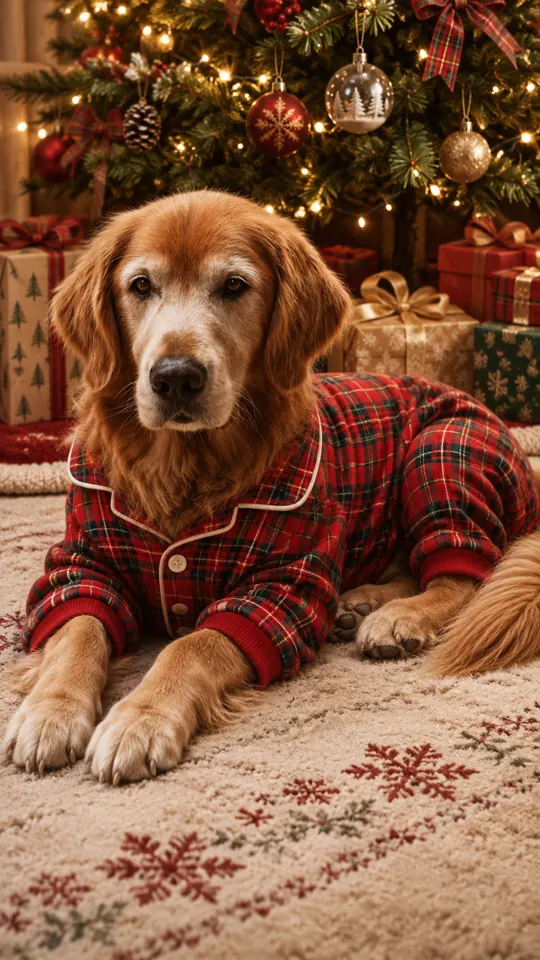
After
Golden retriever
Use this lookBefore
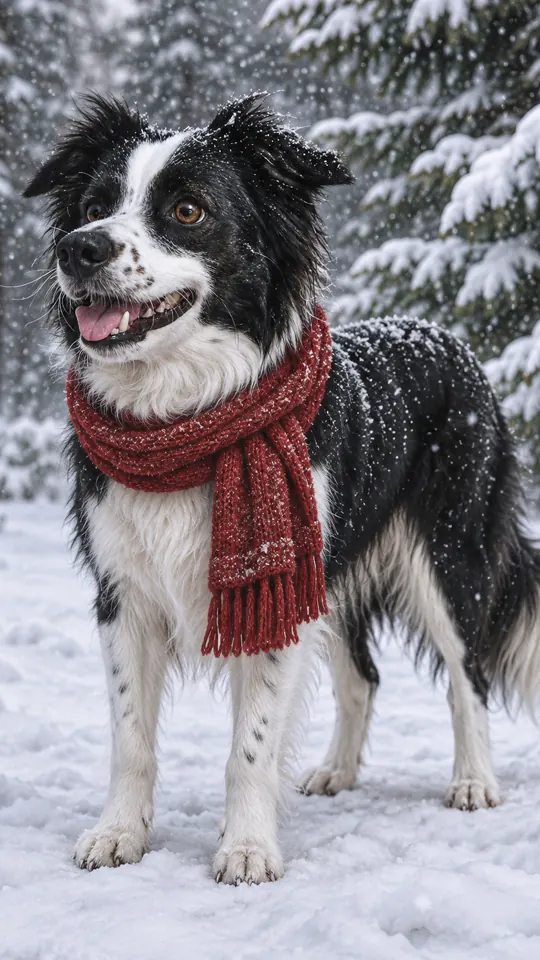
After
Border collie
Use this lookBefore
After
Border collie and French bulldog · separate photos
Use this lookAbout this tool
It paints a holiday portrait from a photo of your own dog. The AI is told to keep the face, coat color and markings and to change only the outfit, the props and the setting. You get a new still image to check and download.
The classic is a Santa coat and hat beside the tree. Elf suits a busy toy-workshop scene, soft antlers make a cute profile picture, plaid pajamas suit a cozy card, a fireplace works well for two dogs, and a red scarf in the snow is hard to beat.
Shoot in soft daylight, make sure the eyes are crisp, and include ears and paws. For two dogs, use two photos with one dog in each. There is nothing to buy.
How to
Use a sharp JPG, PNG or WebP under 10 MB with the face, eyes and ears visible and one dog per photo. For two dogs, select Two pets and add a photo of each.
The Christmas pets effect is already on. Choose Santa outfit, Elf, Pajamas under the tree, By the fireplace, Snow or Reindeer antlers.
1K is 5 credits and the default 2K is 10. Keep tall 9:16 for a phone, use square 1:1 for an avatar, or wide 16:9 when it is going on a card.
Type an optional name or detail, such as “Pepper, tartan collar”. Sign in, press create and look closely at the face, paws and markings before you download. Failed jobs return their credits.
Explore other tools
Create a baby outfit photo, a seasonal profile picture or a portrait with Santa.
Dress your little one in a cozy Santa suit.
Use this look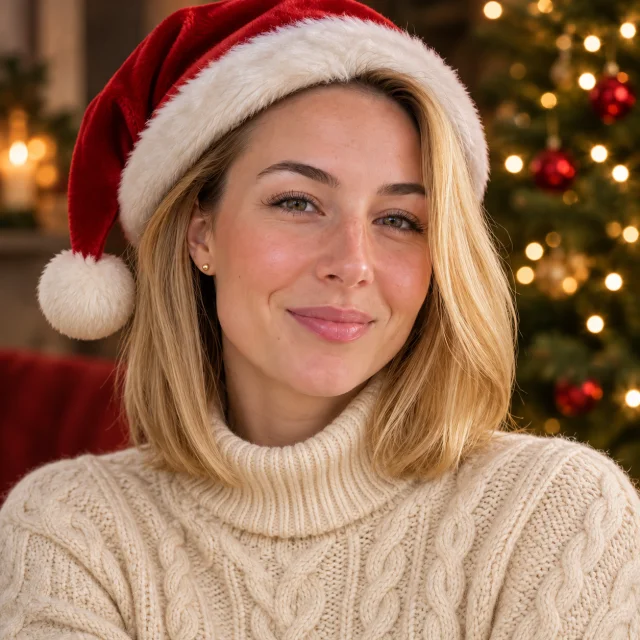
Add a Santa hat to your next profile photo.
Use this look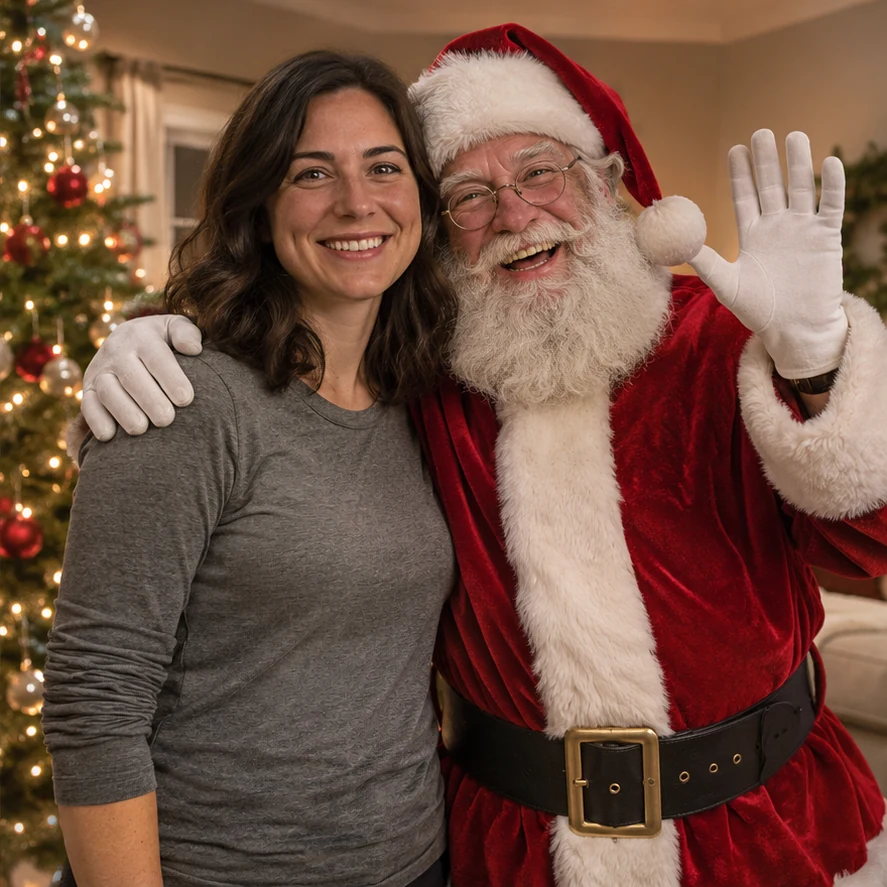
Share a Christmas tree portrait with Santa.
Use this lookReasons
The picture starts from your own photo, and the AI is told to keep the face, coat color and markings.
Try holiday looks without putting a costume on your dog or keeping them still for a shoot.
Upload one photo of each dog and both turn up in one scene, however unwilling they are to pose together.
Each image is 5 credits (1K) or 10 credits (2K). The studio shows the number before you start, and failed jobs return their credits.
Questions
A new holiday portrait made from a picture of your own dog. Upload a clear photo and choose a look; the AI is told to keep the face, coat color and markings.
Choose the Santa outfit look. Your dog gets the red coat and hat, posed by a decorated tree, with no real costume involved.
Santa outfit, Elf, Reindeer antlers, Pajamas under the tree, By the fireplace and Snow. These are the same six looks as the pet Christmas photo tool.
Yes. Switch to Two pets and give each dog its own photo. They appear in one shared scene, so the two photos can come from different days.
A 1K image is 5 credits and a 2K image is 10. The studio shows the price before you start, and a failed job returns its credits.
Yes. Save the image and place it in your own card editor. A wide 16:9 frame leaves room for a greeting. The tool makes the picture only; it does not print or post cards.
No. An everyday photo in clear, even light is enough, and there is no app to install. Check the result before sharing it.
Pick a clear photo of your dog and choose a Santa coat, a cozy fireside or a snowy walk.