 A pretend security-cam moment in your own home
Pet Christmas photo
Santa outfit
Use this style
A pretend security-cam moment in your own home
Get Santa caught on camera without a camera. Upload a photo of your living room, house or front porch, and Christmas PFP adds Santa to it as a make-believe security-camera still, complete with timestamp and grain. Four styles cover the tree, the roof, a sneaky entrance and the front door.
1Upload your photo
Any room, house or porch photo works; if people are in it, sharp faces help.
You can also drop files on the boxes or paste an image with Ctrl+V (⌘V).
2Pick your Christmas effect
3Choose quality & format
Type a name or an extra detail, or leave it blank to get the style as designed.
This Santa camera shot: 10 credits. A one-time Stocking pack ($4.99) covers it, and pack credits never expire.
When you start, you confirm you are allowed to use every photo you upload. Terms of Service
One image: 1K is 5 credits, the default 2K is 10. Nothing is generated until you press create.
Updated
Upload a photo of a room, a house or a porch and choose Gifts by the tree, Sleigh over the house, Sneaking in or Front door. The AI adds Santa to that scene with a camera overlay, keeping your photo’s shape. The result is a playful made-up picture. Each image costs 5 credits (1K) or 10 credits (2K), shown before you start, and failed jobs return their credits.
Illustrative examples
Illustrative pairs made from invented rooms and porches show each style. They are not outputs from your upload.
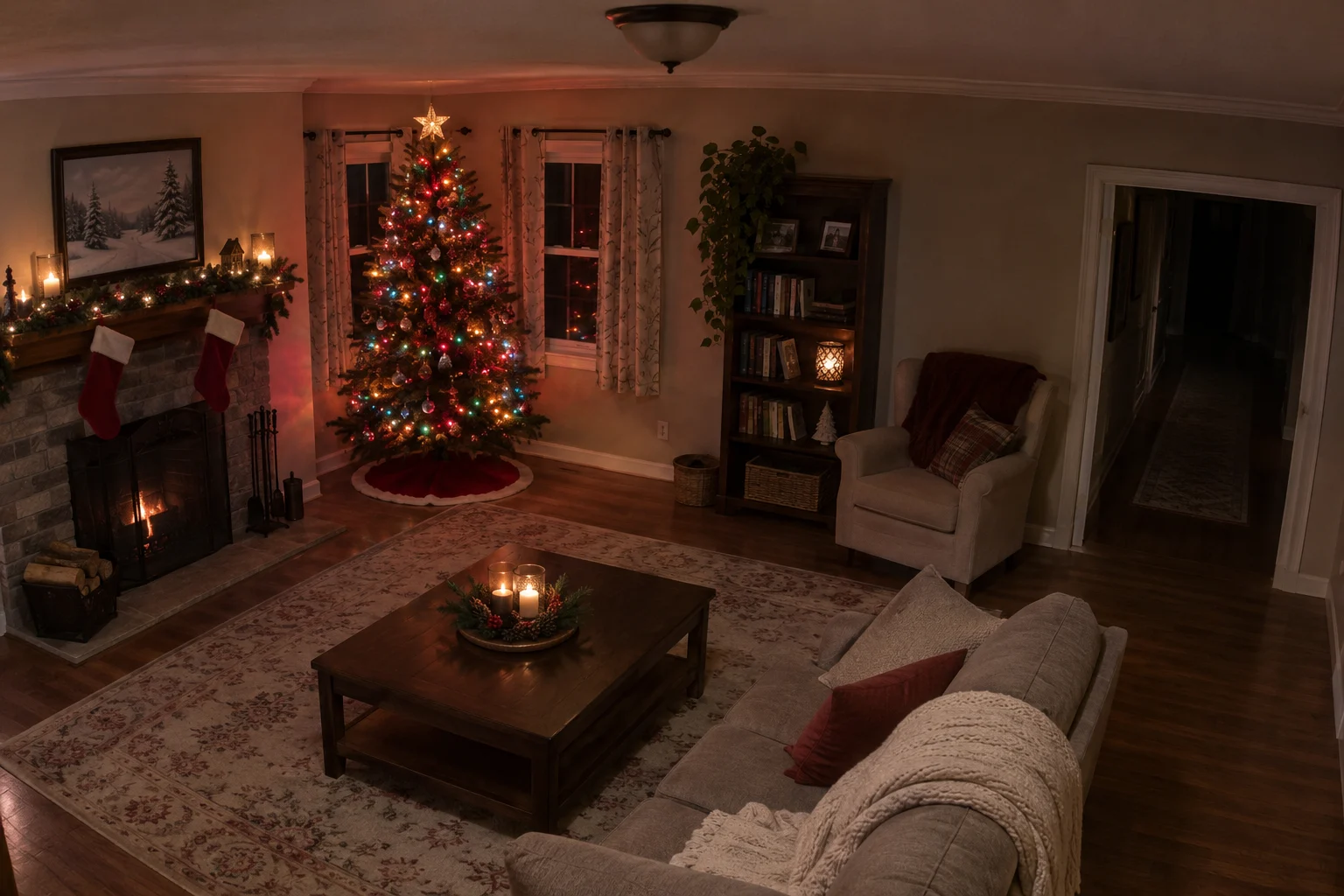
Before
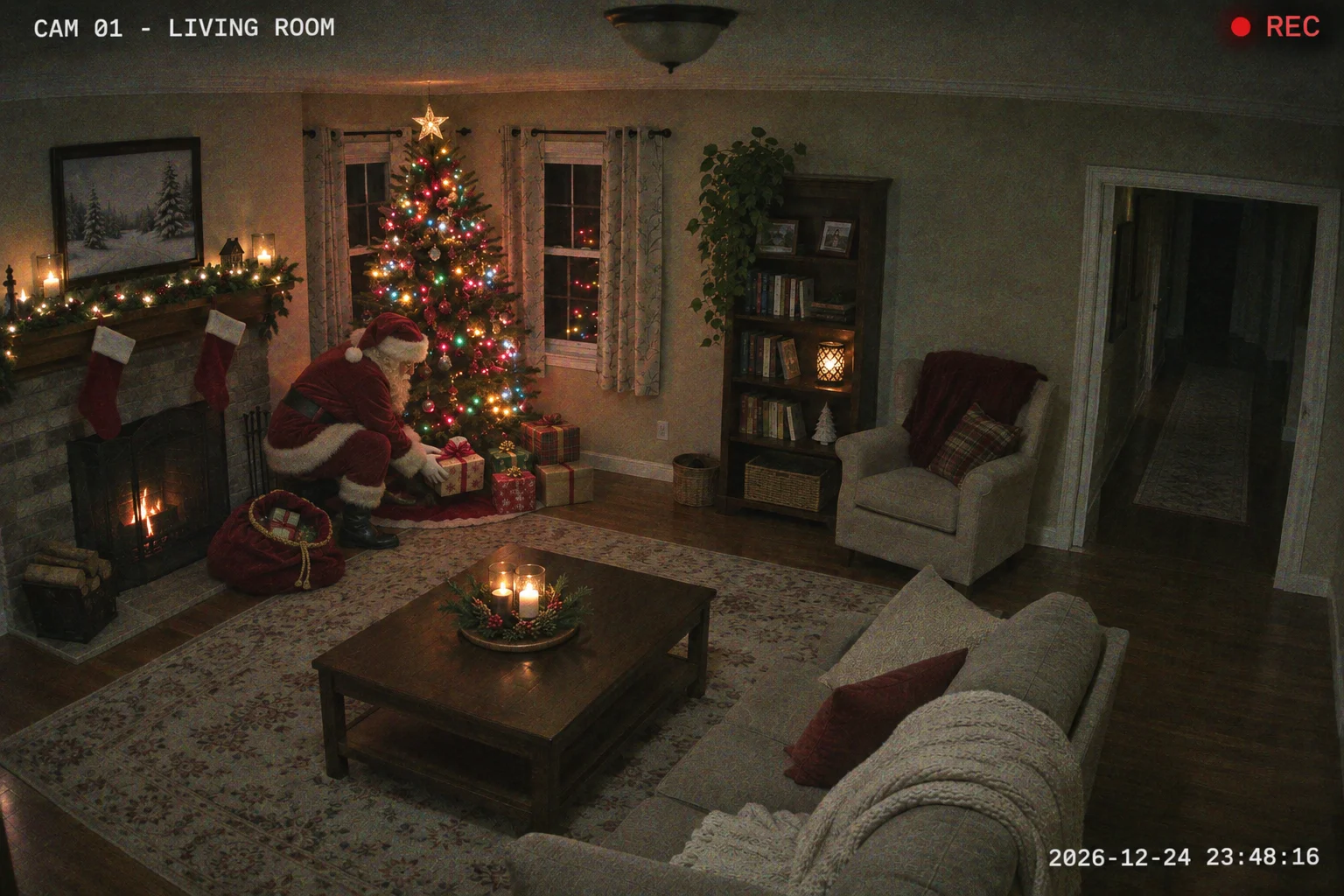
After
A make-believe security-camera still
Use this style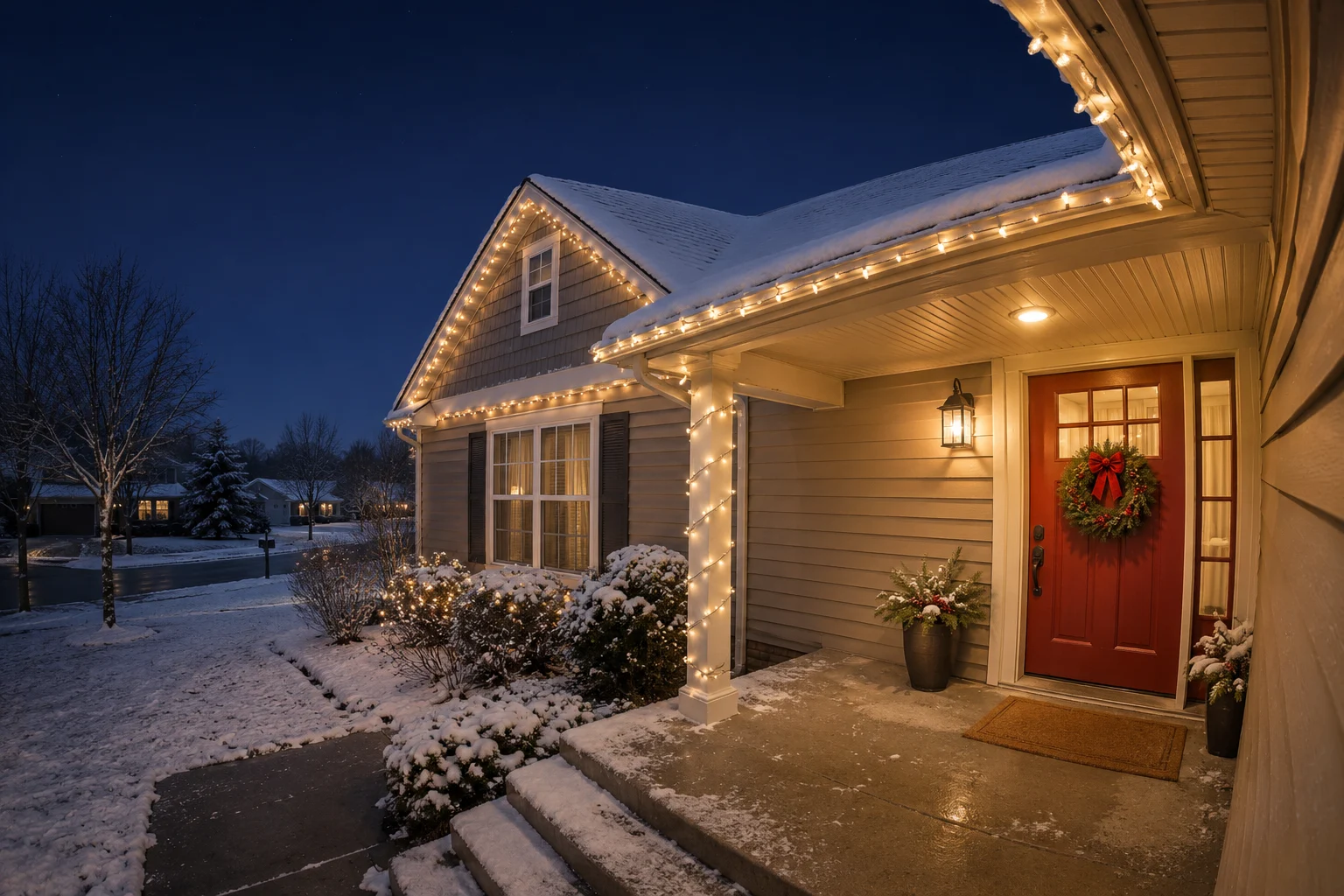
Before
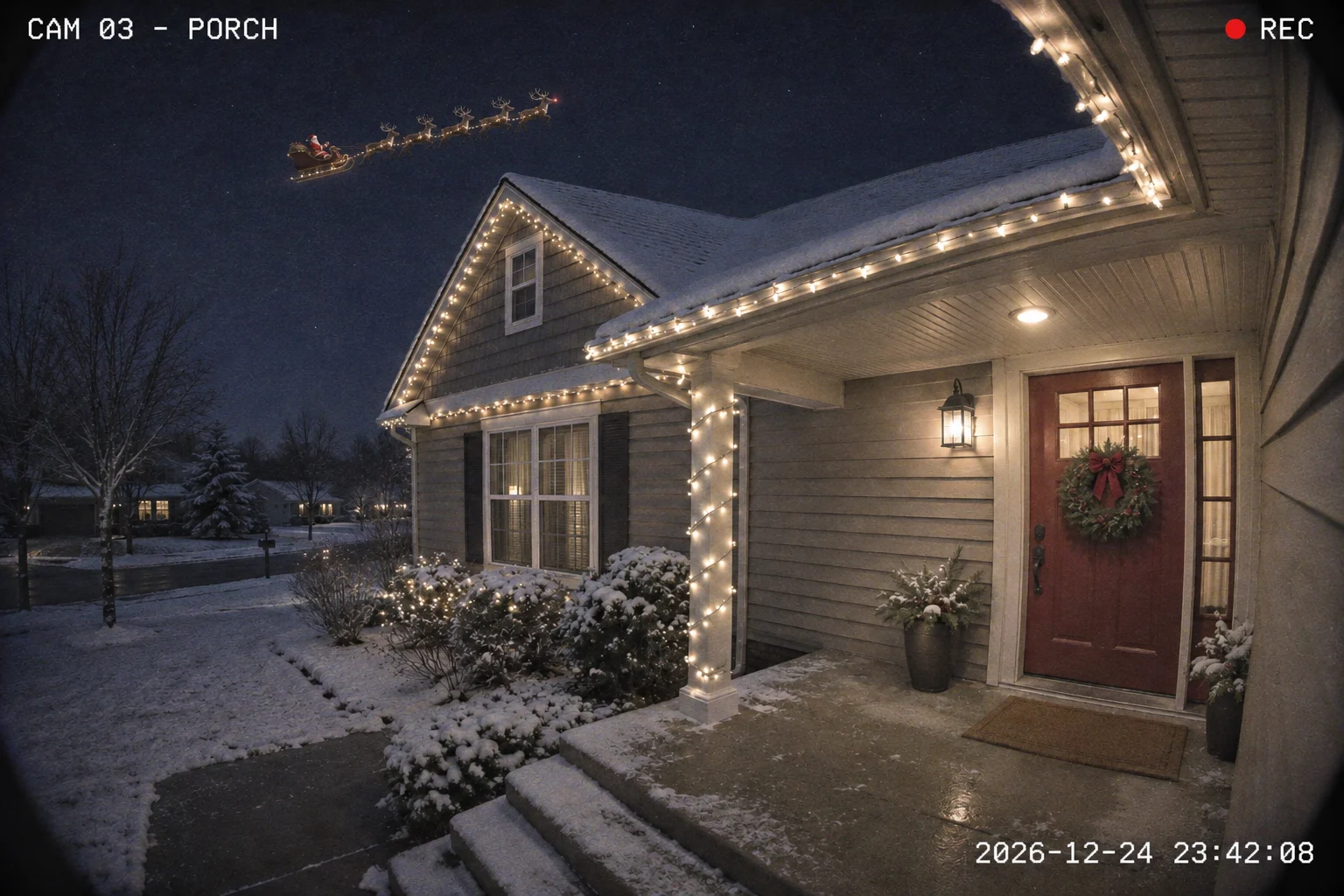
After
A make-believe security-camera still
Use this styleBefore
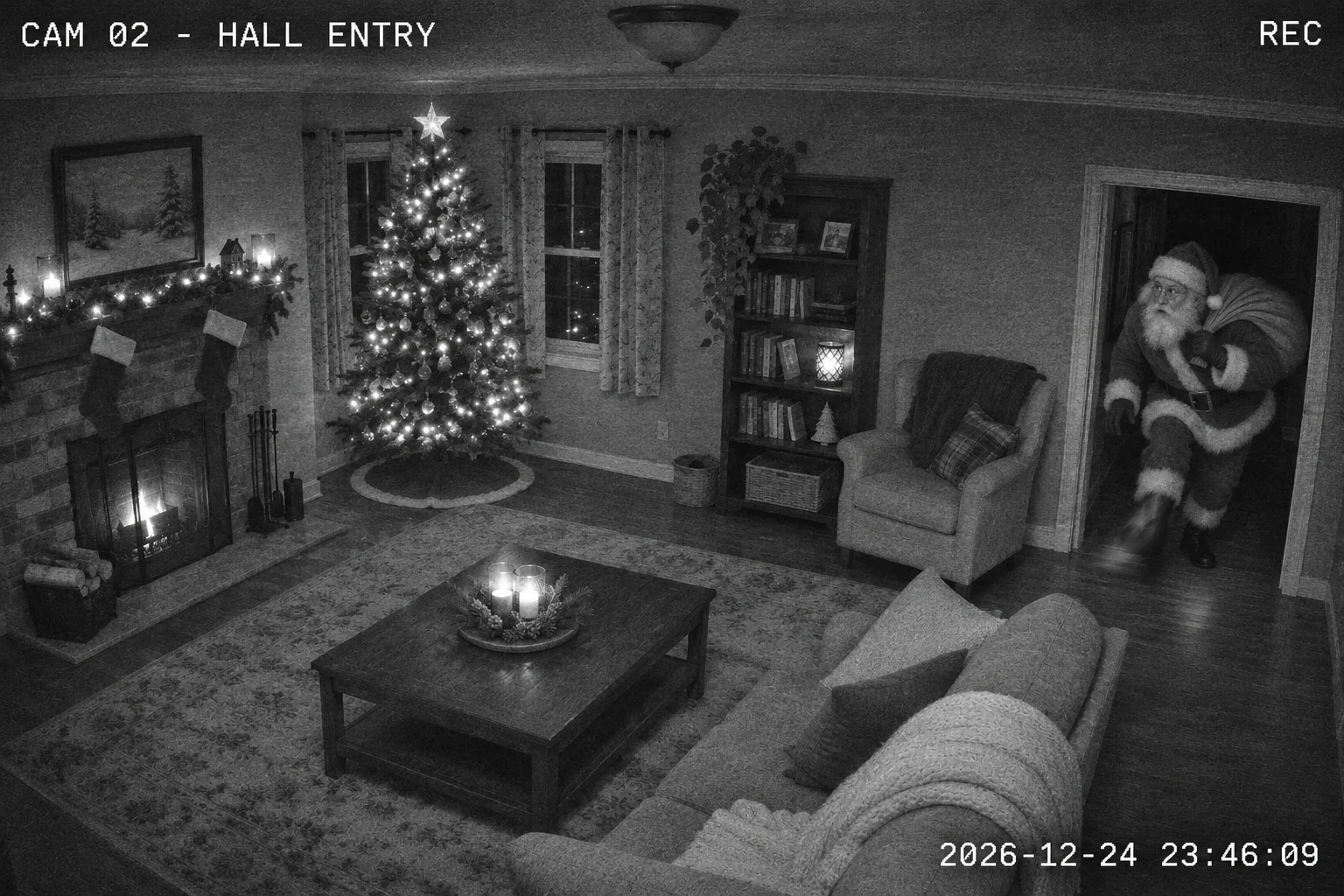
After
A make-believe security-camera still
Use this styleBefore
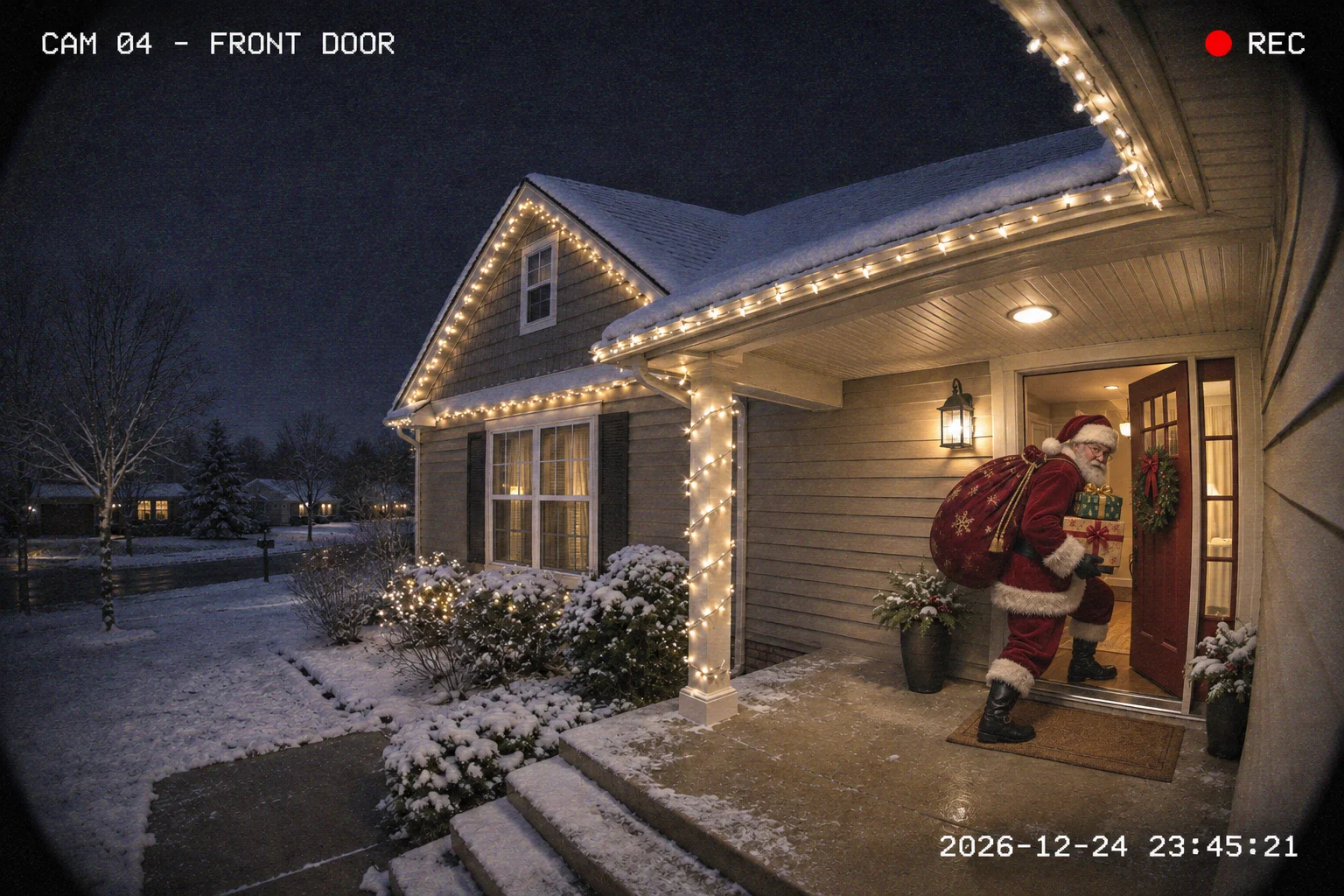
After
A make-believe security-camera still
Use this styleAbout this tool
It is a staged-looking still in which Santa appears in footage from a home camera. Here the AI makes one from your own photo, so the room or doorway is recognizably yours.
A living-room photo fits Gifts by the tree, which uses color night-vision, or Sneaking in, which uses grainy black-and-white. An outside shot that shows the roof and some sky fits Sleigh over the house, and a porch shot with the door in view fits Front door. The AI is asked to keep your photo’s shape and any people already in it, and to add Santa as a separate figure.
Want to dress someone as Santa instead? AI Santa Photo puts the hat and red coat on a person.
How to
Use a JPG, PNG or WebP under 10 MB. Leave some open floor or doorway where Santa can appear, and include sky if you want the sleigh style. Upload only a photo you are allowed to use.
Choose Gifts by the tree, Sleigh over the house, Sneaking in or Front door. You can add a note of up to 120 characters. The camera look may change small details of the room to fit.
1K is 5 credits and the default 2K is 10 for one image. Your original shape is selected automatically, and the studio shows the cost first. You need to be signed in with enough credits.
Press the catch button, then look at Santa’s placement, any faces and the light before you download. Confirmed failures return their credits; if the provider’s answer is unclear, the job is checked before any refund.
Other effects
Run another photo through a different holiday effect.
Santa outfit
Use this style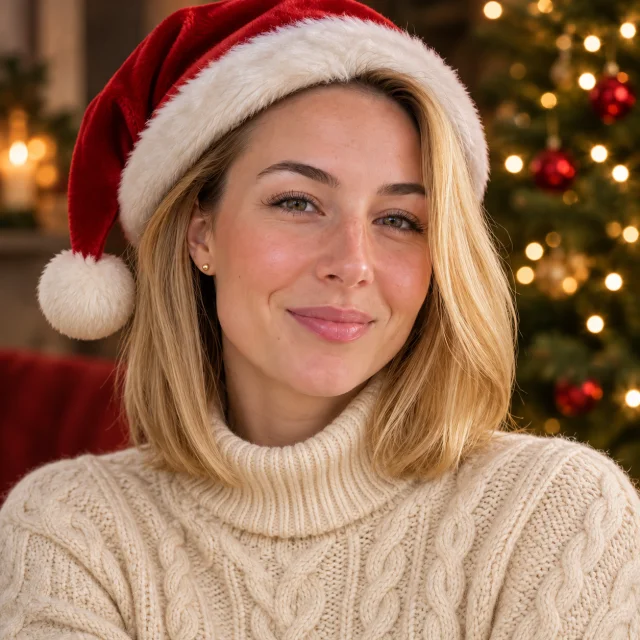
Santa hat
Use this style
Classic Red & Gold
Use this styleReasons
The scene starts from your photo of a room, a house or a porch.
Color night-vision indoors, grainy black-and-white, a sleigh over the roof or a doorbell-style view.
Make the picture in a browser from a photo you already have.
Each image is 5 credits (1K) or 10 credits (2K). The studio shows the number before you start, and failed jobs return their credits.
Questions
Yes, each image uses credits: 5 at 1K or 10 at the default 2K. Compare packs before your first image.
No. This effect adds Santa to the scene as a separate figure. Try AI Santa Photo to dress the person in your photo as Santa.
Yes. The studio uses the model’s automatic format to keep the original shape, wide or tall. Small differences in output size can happen, so check the result.
Not exactly. The examples were made for this page from invented rooms and porches with a different image tool. Your result is a new image, and placement and lighting will vary.
No. Tapping a style only sets up the studio. Generation starts when you add your photo and press the button. Confirmed failures return their credits; unclear provider answers are checked first.
Only ones you have permission to upload and share, including permission from anyone who appears in them. A child’s image needs a parent’s or guardian’s approval. See how uploads and results are handled; avoid uploading sensitive photos.
No. Christmas PFP is an independent AI photo tool for make-believe Santa scenes. The stills show an invented visit and are not linked to any official Santa organization. Please do not pass them off as real camera footage.
Choose a photo of a room or a doorway and make a pretend security-camera still.