 Your photo, a festive red hat

Classic red Santa hat
Upright red hat with a white fur brim and pom-pom.
1280 × 1100 · Transparent PNG · Free
Download PNG ↓
Your photo, a festive red hat
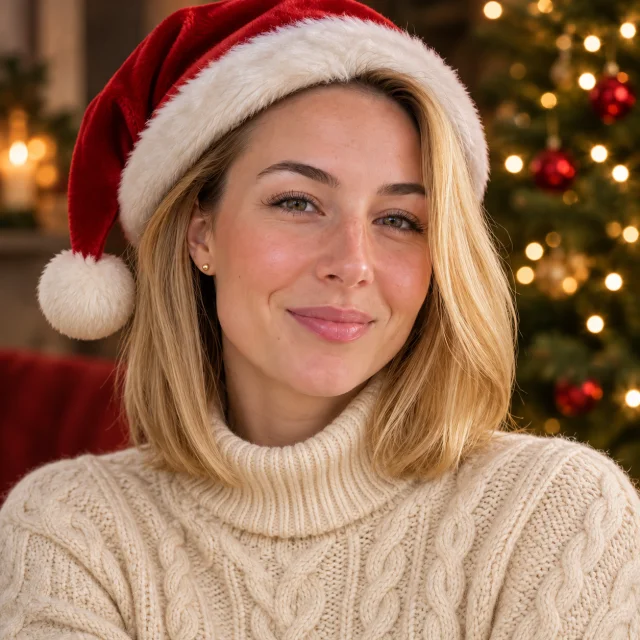
Upload your avatar or portrait, choose the Santa hat look in one click and download a Christmas hat PFP. The AI is asked to keep your face recognizable, with a red hat and warm festive lights.
1Upload your photo
Pick a bright, sharp photo showing one face.
You can also drop files on the boxes or paste an image with Ctrl+V (⌘V).
2Pick your Christmas effect
3Choose quality & format
Type a name or an extra detail, or leave it blank to get the style as designed.
This Christmas PFP: 10 credits. A one-time Stocking pack ($4.99) covers it, and pack credits never expire.
When you start, you confirm you are allowed to use every photo you upload. Terms of Service
Pay once for credits · 1K photo 5 credits, 2K photo 10 · PNG downloads below are free
Updated
Upload a portrait to put a Santa hat on your photo with AI. The tool creates a festive profile picture and is prompted to keep your face recognizable. Santa hat is already selected, with a square frame for your PFP. Prefer to place the hat yourself? Download a free transparent Santa hat PNG below. A photo uses 5 credits at 1K or 10 credits at 2K. The cost is shown before you create, and a failed creation returns its credits.
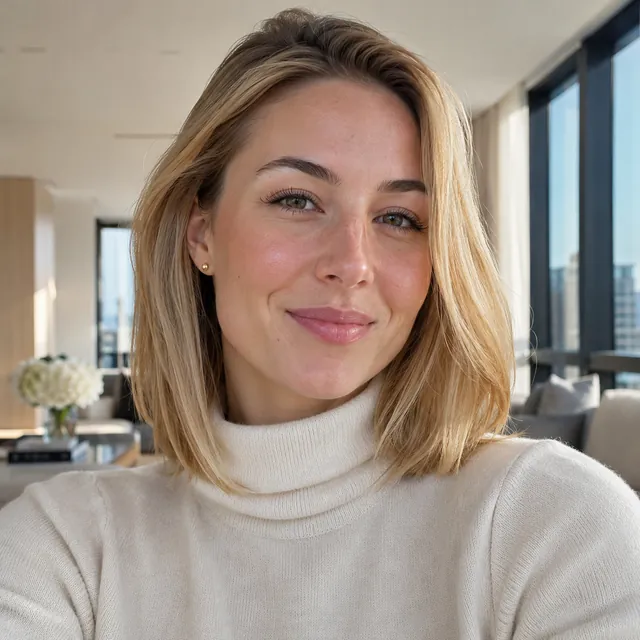
Before and after
Compare the source photo with the festive look. Press Make it to open the same Santa hat setup with your own photo.
Before

After
Your portrait with a red Santa hat and warm Christmas lights
Make itFree downloads
Choose a Christmas hat PNG for your profile picture. Each original drawing has a transparent background; the checkerboard is only a preview.
Download a hat and position it in your own photo editor. These files are free and cost no credits. Want the hat fitted automatically? Use the AI studio above.
Upright red hat with a white fur brim and pom-pom.
1280 × 1100 · Transparent PNG · Free
Download PNG ↓
The classic hat worn at a playful angle.
1280 × 1100 · Transparent PNG · Free
Download PNG ↓
A slouched red cap with a long, drooping tip.
1280 × 1100 · Transparent PNG · Free
Download PNG ↓
A fuller cap with an extra-thick, soft white brim.
1280 × 1100 · Transparent PNG · Free
Download PNG ↓About the tool
This AI photo tool puts a Santa hat on the person in your uploaded photo and makes a festive profile picture. Start with a selfie or an existing avatar: the model uses your photo as a reference and is asked to keep your face recognizable while adding a red hat and Christmas lights. It creates a new picture, so the background and other details may change.
A square crop keeps your face and hat easy to see in a small profile circle. Leave space above your head in the source photo and check the downloaded picture in your app’s circular preview. For more ideas, read the Christmas PFP guide.
Use the studio for a new AI portrait with the hat fitted for you. Use a transparent Santa hat PNG from the free downloads if you want to keep your original photo and place the hat yourself in an editor.
Step by step
Choose a face or avatar photo in JPG, PNG or WebP, under 10 MB. A sharp portrait with good light and room above the head helps the hat fit. Use a photo you have permission to upload.
Santa hat is already selected in the Christmas PFP studio on this page. The AI adds a red hat and festive lights while being asked to keep your face recognizable.
Use 1:1 for a square profile picture, or choose another shape for a post or story. Pick 1K for 5 credits or the default 2K for 10 credits; the cost appears before you create.
Sign in, create your picture and check the face and hat at full size. Download it and set it as your avatar in your app’s settings. Credits come from one-time packs, and a failed picture returns them.
Keep creating
Try another profile picture style, invite Santa into a photo or make a festive pet portrait.
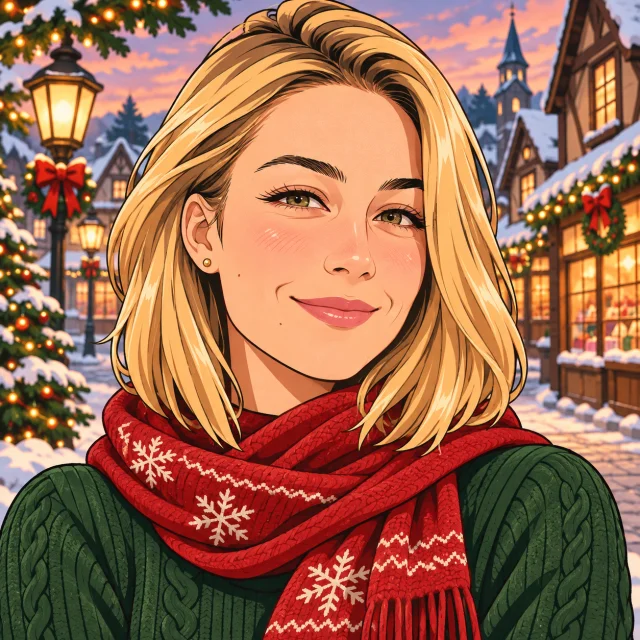
Try Anime, Cozy aesthetic, 3D cartoon or Winter wonderland.
Try this tool →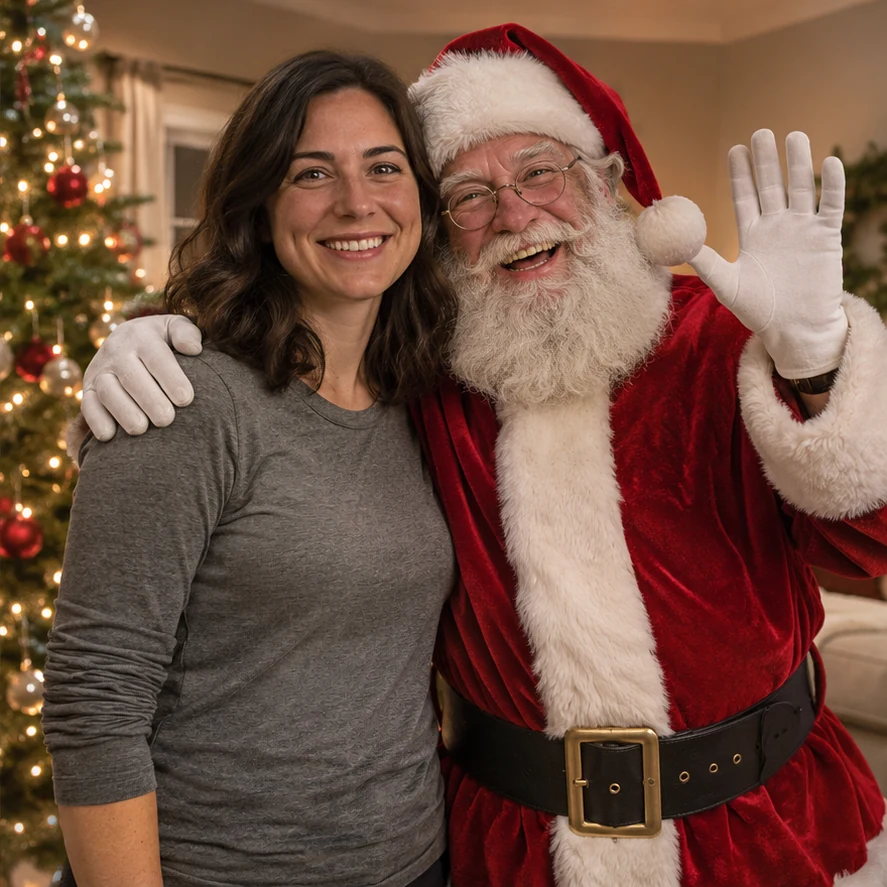
A different tool: add Santa the person beside you, rather than a hat on your head.
Try this tool →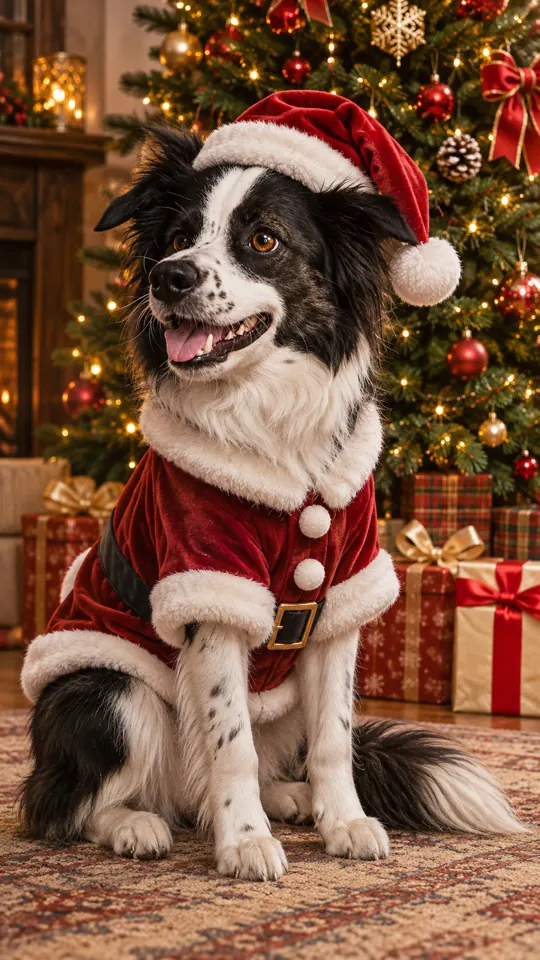
Give your dog a Santa outfit or another holiday look.
Try this tool →Why make it here
Use an existing avatar or portrait. The AI is asked to preserve your recognizable features while adding a red Santa hat and Christmas lights.
Upload a photo and create with the Santa hat look. A square frame makes the result easy to use as a profile picture.
Download four original transparent PNGs to position in your own photo editor. These files are free and use no credits.
A photo uses 5 credits at 1K or 10 credits at 2K. The cost is shown before you create, and a failed creation returns its credits.
FAQ
Yes. Upload an existing portrait or avatar, keep Santa hat selected and create a new festive profile picture. This AI tool draws a new picture from your photo, so the background and small details can change too.
Upload a clear face photo, use the Santa hat style and choose the square 1:1 shape. Create and download the picture, then change your profile photo in your social or messaging app.
Yes. The four original hat PNGs on this page have transparent backgrounds and free Download links. Save one and place it over your photo in a photo editor. PNG downloads need no sign-in or credits; AI photo creation uses credits.
The AI is prompted to preserve your recognizable facial features, age and appearance. Likeness is not guaranteed: check the face, hair and hat before sharing. A clear, unfiltered photo helps.
A 1K picture costs 5 credits and a 2K picture costs 10 credits. Credits come from one-time packs, with the cost shown before creation. A failed picture returns its credits. The transparent hat PNG downloads are free.
This page puts a hat on you for a Christmas profile picture. Photo with Santa is a different tool that adds Santa as a separate person standing or sitting beside the subjects in your uploaded photo.
Use a sharp, well-lit portrait with one face visible and space above the head. Avoid heavy filters, sunglasses or an existing hat that hides your features. An avatar can be used too, but the Santa hat style requests a photorealistic portrait.
Use your own photos or pictures you have permission to use. Ask the person pictured before uploading; for a child, get permission from their parent or guardian.
Upload a clear portrait and make a Christmas PFP with your own face and a festive red hat.