 A playful, unofficial certificate built around your child’s photo
Add Santa to a photo
Next to the tree
Try this design
A playful, unofficial certificate built around your child’s photo
This Santa Nice List maker puts your child’s face and name on a holiday certificate. Upload one portrait, type the name and an optional line about what they did well, then choose from four certificate designs.
1Upload your photo
Pick a bright, sharp photo showing one face.
You can also drop files on the boxes or paste an image with Ctrl+V (⌘V).
2Pick your Christmas effect
3Choose quality & format
Type the child’s name, plus an optional line for the certificate.
This certificate: 10 credits. A one-time Stocking pack ($4.99) covers it, and pack credits never expire.
When you start, you confirm you are allowed to use every photo you upload. Terms of Service
One-time credit packs · Failed jobs refund their credits · Sign in to start
Updated
Upload a child’s portrait, enter their name and, if you like, a short message. The studio draws a Santa Nice List certificate around that photo in one of four designs. It is a made-up holiday keepsake, so read the name and lettering before you share it. Each image costs 5 credits (1K) or 10 credits (2K), shown before you start; failed jobs return their credits.
Examples
An invented child with the sample name AVA shows how each design changes the frame, colors and lettering. These are illustrations, not results from your upload.
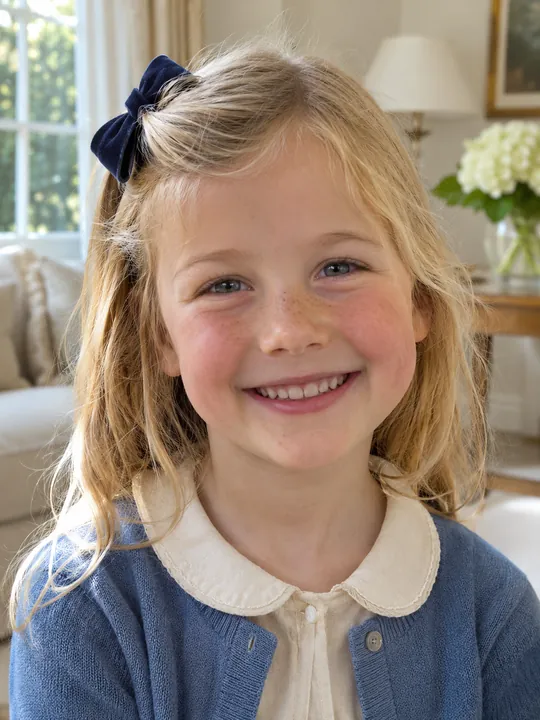
Before
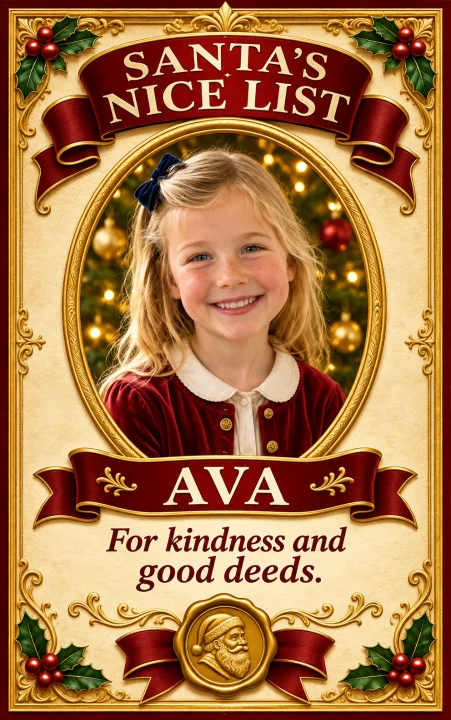
After
Sample: AVA, praised for kindness
Try this designBefore
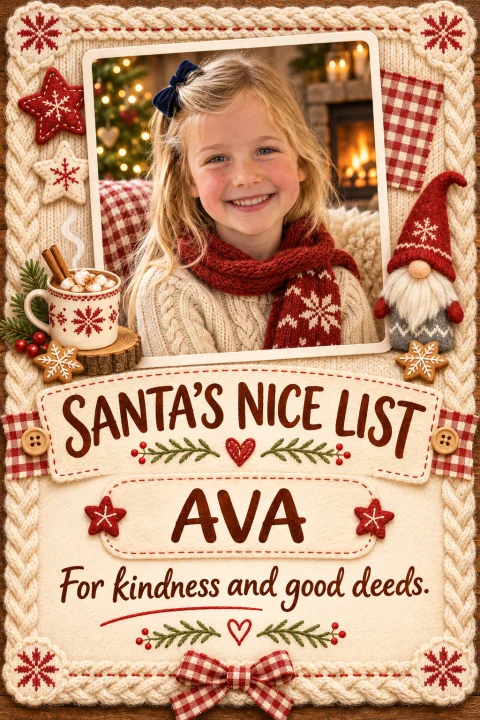
After
Sample: AVA, praised for kindness
Try this designBefore
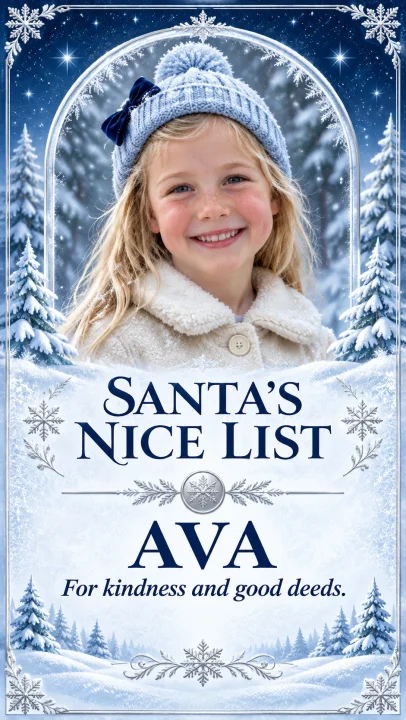
After
Sample: AVA, praised for kindness
Try this designBefore
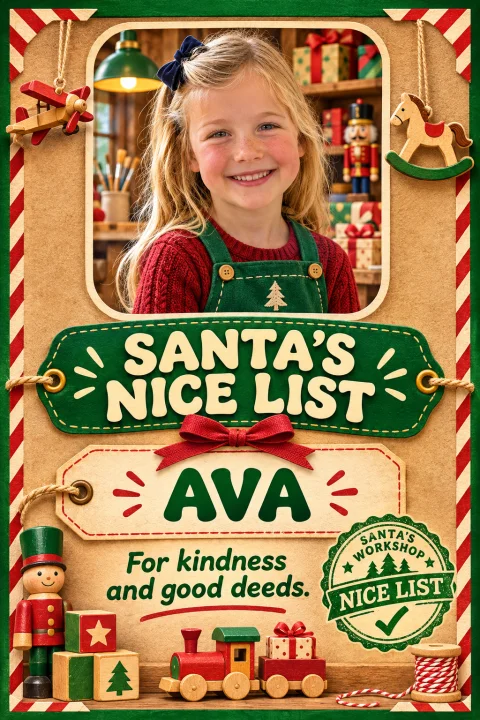
After
Sample: AVA, praised for kindness
Try this designAbout the certificate
It is a pretend document saying a child made Santa’s Nice List, with their photo in the frame and their name in the lettering. Ours is drawn by AI from the portrait you upload, so the child on the certificate is your child.
Families often make one to read out on Christmas Eve or tuck into a card. Starting from a real photo makes it feel less like a form and more like a keepsake. A short, specific message, such as helping a younger sibling, works better than a generic line.
The default shape is a tall 9:16 frame, and you can pick another format in the studio. Zoom in on the finished image to check every letter of the name.
There is no naughty list option here: every design is a Nice List certificate. It is also not a blank printable form. The result is one finished image with the portrait and name you supplied, made for fun and not linked to any real list or Santa service.
Want a holiday portrait instead? Try the AI Christmas Photo Generator
How to
Use one sharp portrait facing the camera, with the permission of a parent or guardian.
This page opens with the certificate effect ready. Type the child’s name, plus an optional message about a good deed or a favorite moment from the year.
Choose one of the four designs, then keep the tall format or switch it. A 1K image is 5 credits and 2K is 10.
Read the name, the message and the face closely before you save the picture.
Other effects
Run the same kind of photo through a different effect.
Next to the tree
Try this design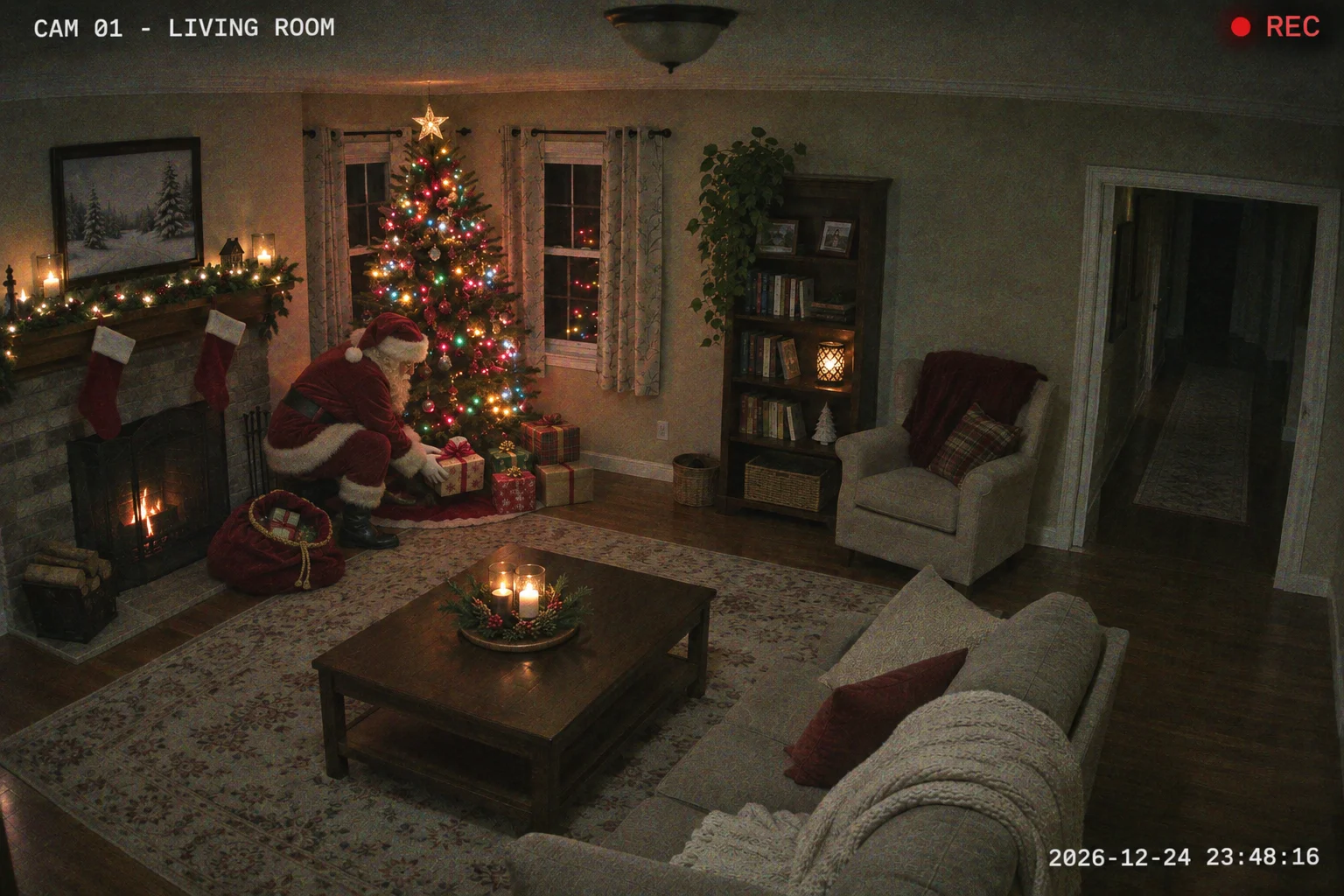
Presents under the tree
Try this design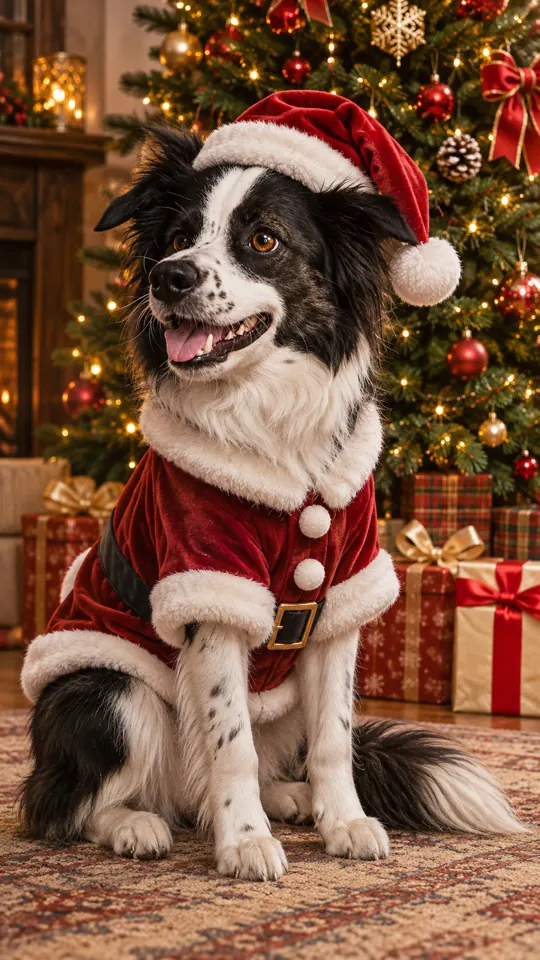
Santa outfit
Try this designReasons
Their face, their name and a line about something they actually did this year.
A festive picture the family can save and pass around. Check the lettering at full size first.
Upload, type and download in a browser on any phone or computer.
Each image costs 5 credits (1K) or 10 credits (2K). You see the number before you start, and failed jobs give the credits back.
Questions
One Nice List certificate image with the child’s portrait, the name you typed and your optional message, in the design you chose. Upload a photo, keep the certificate effect selected and enter the name to begin.
No. Each certificate is an image and uses credits: 5 at 1K or 10 at 2K. There is no free unlimited option; credits come from a one-time pack.
Neither. The photo upload, name box and design choices all sit in the browser studio on this page.
No. It is an independent, just-for-fun tool. It has no connection to any company offering Santa visits or letters, and it does not judge how a child behaved.
Yes, if you have a clear photo and the parent or guardian is happy for you to upload it.
The Nice List effect always produces a named certificate around one child’s portrait. For general holiday portraits or pet pictures, use the AI Christmas Photo Generator.
Certificates are images at 1K (5 credits) or 2K (10 credits). The studio shows the cost and the format before you press start.
No. Stick to your own pictures or ones the people pictured agreed to. Do not impersonate famous people, and get a parent’s or guardian’s permission for any child.
No. It works from a photo you upload; there is no live video, camera filter or call with Santa.
No. You get a finished picture that already contains the child’s portrait and name. Each one uses 5 credits (1K) or 10 credits (2K).
No. A one-time credit pack covers it and never renews.
This effect is built for a child’s portrait and name. For a dog or cat, use the Christmas pets effect, which also accepts two pet photos.
No. The design is composed fresh from your inputs and the style you pick. It does not reproduce any company’s certificate. Check the generated name and text before sharing.
One portrait, one name and a line about their year.